
Shodan, unfamiliar IP addresses, password attacks, two-factor authentication and the risks of a connected home. A technically sound but approachable look at Home Assistant security.
Photographic illustration of a connected home.
A smart home feels familiar. Lights switch on automatically, heating adjusts itself, and your phone knows when you arrive home. Behind that convenience, however, sits a central computer that may know when you are away, which cameras you own and which devices are active inside the house.
That does not make Home Assistant inherently insecure. But it does mean you should not treat it like an inconsequential hobby website. Depending on what you connect, your automation system can literally control access to your home. Unlike a compromised forum account, a smart-home incident may have physical consequences.
In this article, we explore the real risks. What can an attacker do? Why might your IP appear in Shodan? Does an unfamiliar address in the Home Assistant log mean you have been hacked? And which precautions genuinely make a difference?
The essential distinctions: a system visible from the internet is not necessarily vulnerable. A failed authentication request is not a successful login. And a strong password does not protect against every type of attack.
1. Your smart home is more than a dashboard
Home Assistant is a central control system for devices, data and automations. It connects to lamps, energy meters and thermostats, but potentially also IP cameras, alarm systems, smart locks, phone locations and third-party cloud services. The impact of a security incident depends heavily on your specific integrations.
Think in three categories:
- Privacy: presence, location history, camera feeds, event history, account details and network information.
- Control: switches, lights, heating, ventilation, notifications, routines, and possibly alarms or locks.
- Trust and management: automations, scripts, integrations, tokens, backups and links to other systems.
This goes beyond asking whether someone can open your dashboard. An intruder who can make changes might alter automations, suppress notifications or attempt to abuse connected integrations. Not every account exposes every action, but do not assume hard isolation between user roles either: Home Assistant is designed around trusted users rather than strict multi-tenant security boundaries.
2. What can an attacker do after obtaining access?
The scenarios vary widely. Someone who can merely see a public login page cannot automatically view a camera. Someone holding a valid session or access token may, however, have access to the actions and information allowed by that account or token. A serious software vulnerability could create different opportunities altogether.
Given sufficient permissions and connected equipment, an attacker could potentially:
- infer presence patterns, such as the times residents leave and return;
- view camera entities or stored data, if Home Assistant provides access to them;
- control devices, including switches, heating, ventilation and compatible locks;
- change automations, concealing events or deliberately activating routines;
- abuse sensitive configuration details or tokens, if the attacker can reach them.
Compromising Home Assistant does not automatically grant full control of your router, NAS or every device on the local network. Additional access, permissions or vulnerabilities would be required.
3. How do attackers find Home Assistant installations?
Public-facing servers are continuously visited by automated scanners. Some are legitimate: researchers and search engines catalogue services connected to the internet. Others look for weak authentication, leaked credentials or vulnerable software. This can happen before an attacker has any idea who owns the system.
Common ways a system becomes discoverable include:
- Port forwarding: a router sends traffic from its public IP address directly to Home Assistant.
- A public hostname: a domain or subdomain with a login page available to the outside world.
- Outdated or incorrectly configured services: an additional dashboard, management port or app unintentionally accessible from the internet.
- Leaked information: usernames, passwords or tokens stolen from another service.
Attackers therefore do not need to know your name or street address. A bot can scan lists of reachable services. Consider the security of your router, NAS and other management interfaces, not just Home Assistant.
4. Shodan: what can the outside world see about you?
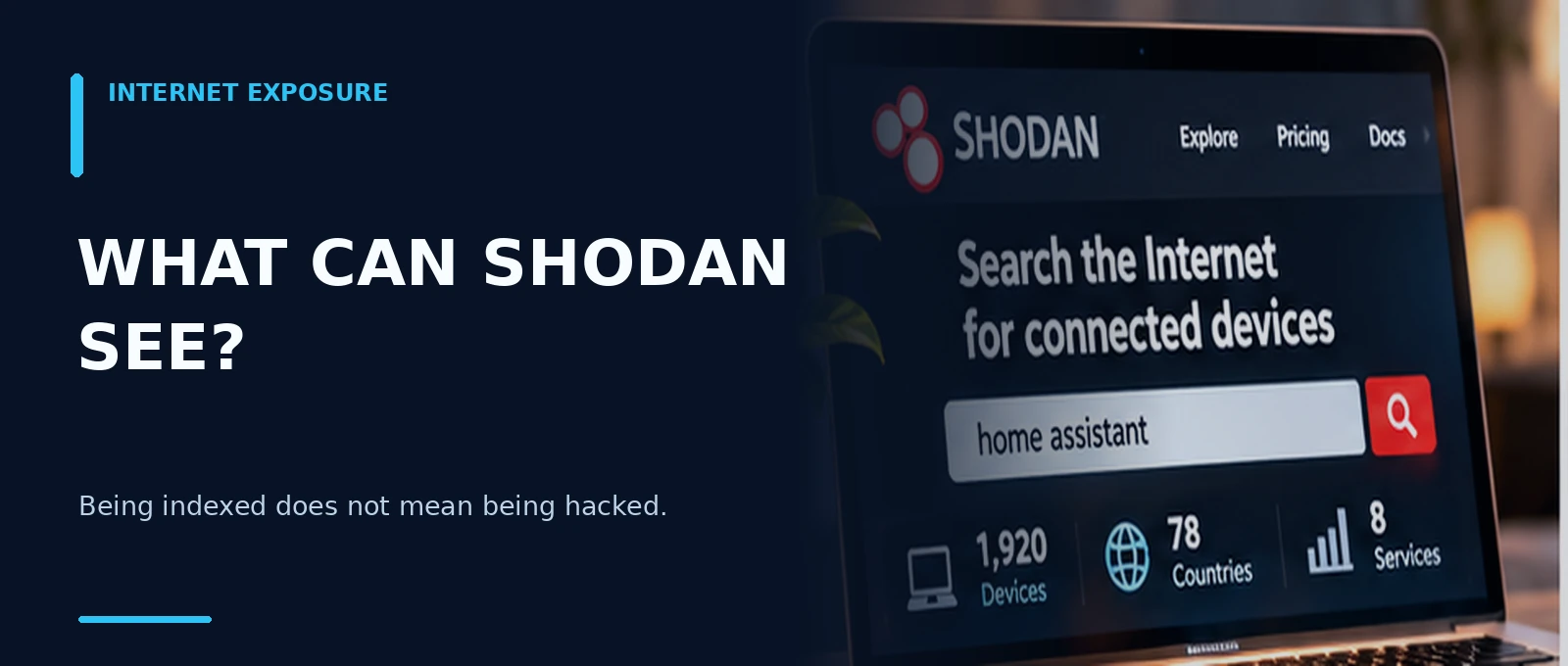
Shodan is a search engine for devices and services reachable through the internet. Unlike Google, it focuses on technical information returned by a service: exposed ports, protocols, software banners and sometimes hints about the technology behind it. That makes it valuable to defenders and interesting to attackers.
A result might show that a web service was listening on a particular IP address. That is not evidence that anyone successfully logged in. Moreover, a result is a snapshot: you may already have closed a port that still appears in older scan data.
Check your own connection
- Find your public IPv4 address using your router or a trusted IP-check website. Only inspect systems you own or administer.
- Visit Shodan and search your own public IP address, or open its host information.
- Compare any visible ports and services with what you intended to expose.
- If a port appears, verify whether it is still accessible from outside. A Shodan entry alone is not a current scan.
- Check IPv6 exposure and router settings as well; looking at IPv4 alone can miss things.
There are limitations: some details require an account; your public address may change; your ISP may use CGNAT; and a reverse proxy or CDN may expose a public hostname without revealing your actual Home Assistant host IP.
Using Cloudflare Tunnel? The tunnel normally requires no incoming router port. This reduces direct exposure of your home network. It does not make a public Home Assistant URL inaccessible: visitors can still reach the login page unless additional access controls protect it.
5. Why do unfamiliar IP addresses appear in the logs?
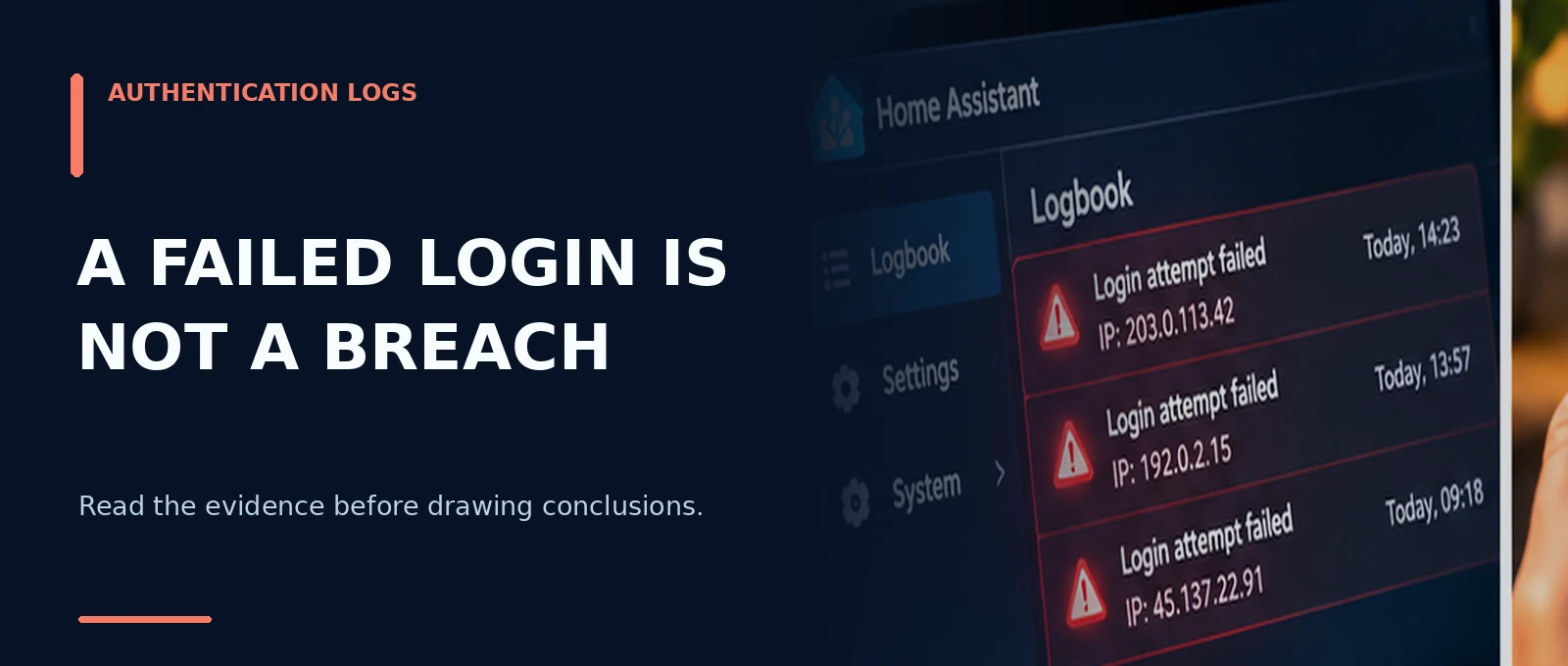
A common warning resembles this fictional example:
Login attempt or request with invalid authentication
from 203.0.113.42
The word login is alarming, but the message can also refer to an API request that lacked a valid token. It therefore does not prove that someone guessed your password, let alone that anyone gained access.
Possible explanations include an old Companion app session, an integration using an expired token, an automated internet scanner, incorrectly configured proxy headers, or a real authentication attempt. A local address such as 127.0.0.1 or 192.168.x.x often indicates traffic from your own machine or LAN, although proxy settings can change the apparent source.
How to interpret a warning
| Observation | What it tells you | What to check |
|---|---|---|
| One isolated warning | Usually insufficient evidence | Timestamp, IP address, recent app activity |
| Many external warnings | May indicate scanning or automation | Public exposure, WAF events, router/firewall |
| Same local IP repeatedly | May be an app or integration | DHCP leases, integration and app logs |
| Every event shows the same proxy IP | Original client address may not be forwarded correctly | X-Forwarded-For and trusted proxies |
| Unknown token or unexpected session | More serious indicator than a failed request | Profile → Security → sessions and tokens |
Do not assume an IP geolocation flag identifies the physical location of a person. VPNs, hosting services and compromised machines all obscure the real origin.
Behind a reverse proxy
With Cloudflare Tunnel or another proxy, Home Assistant needs to interpret the client address correctly. Since Home Assistant 2026.8, HTTP settings—including trusted proxies and IP banning—are configured through Settings → System → Network. Trust only the actual proxy addresses or networks. An overly permissive setting can make source addresses spoofable; an incorrect setting can block legitimate traffic or log misleading addresses.
Never blindly trust 0.0.0.0/0 as a proxy network. The correct settings depend on whether you run Docker, Home Assistant OS on a mini PC, a tunnel or a separate reverse proxy.
6. How are passwords attacked?
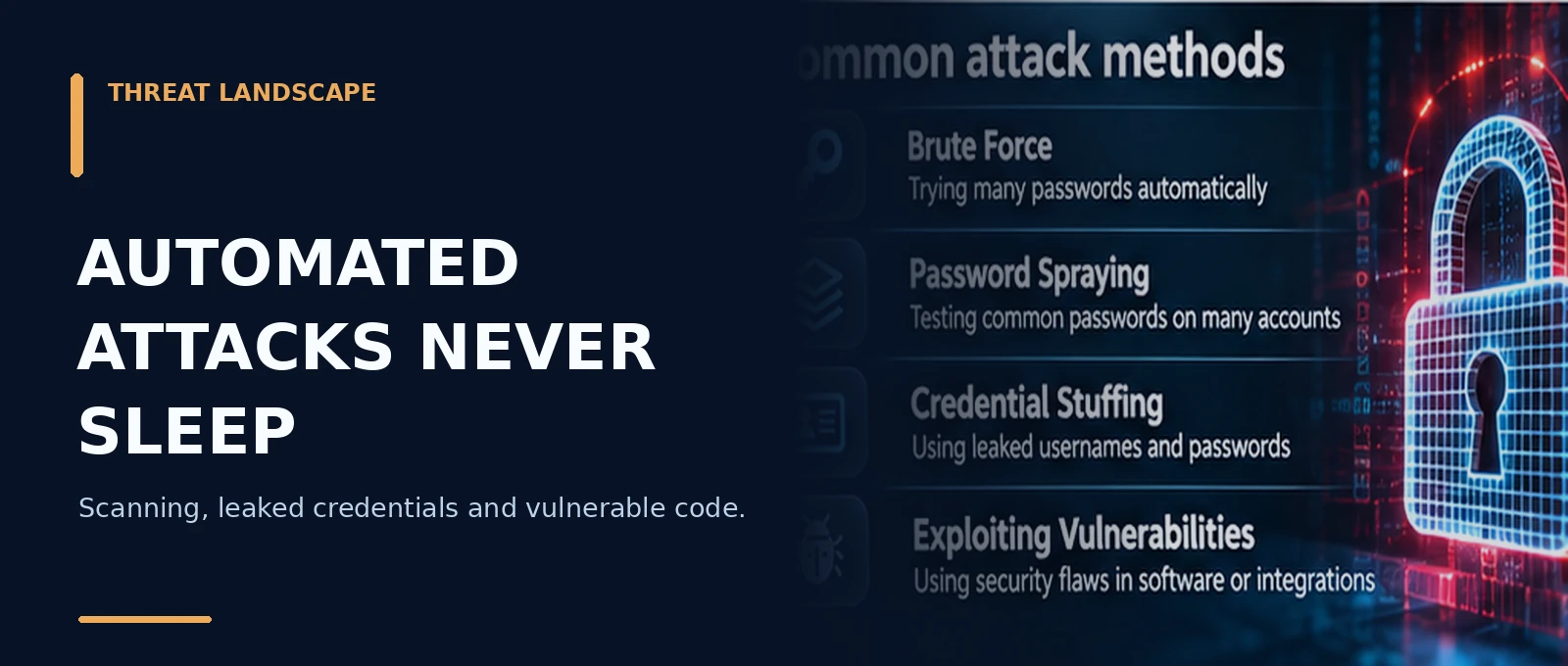
The movie cliché of a hacker trying millions of passwords on one account is only part of the story. Real-world attacks include:
- Brute force: trying many password candidates against one account.
- Password spraying: testing a few common passwords against many accounts.
- Credential stuffing: reusing combinations of usernames and passwords leaked from other services.
- Phishing: persuading someone to enter credentials into an imitation login page.
The best defense is not an elaborate pattern with a punctuation mark at the end but a long, random and unique password. Use a password manager and choose a separate Home Assistant password—for example, at least 16 randomly generated characters. Never reuse a password from an online store, email account or forum.
A password manager also helps with basic phishing because it generally will not autofill credentials on a different website domain. It is useful protection, not a guarantee.
IP banning can slow repeated attempts from a single address, but it cannot fully stop distributed attacks or prevent an attacker from using a valid stolen token.
7. Why two-factor authentication matters so much
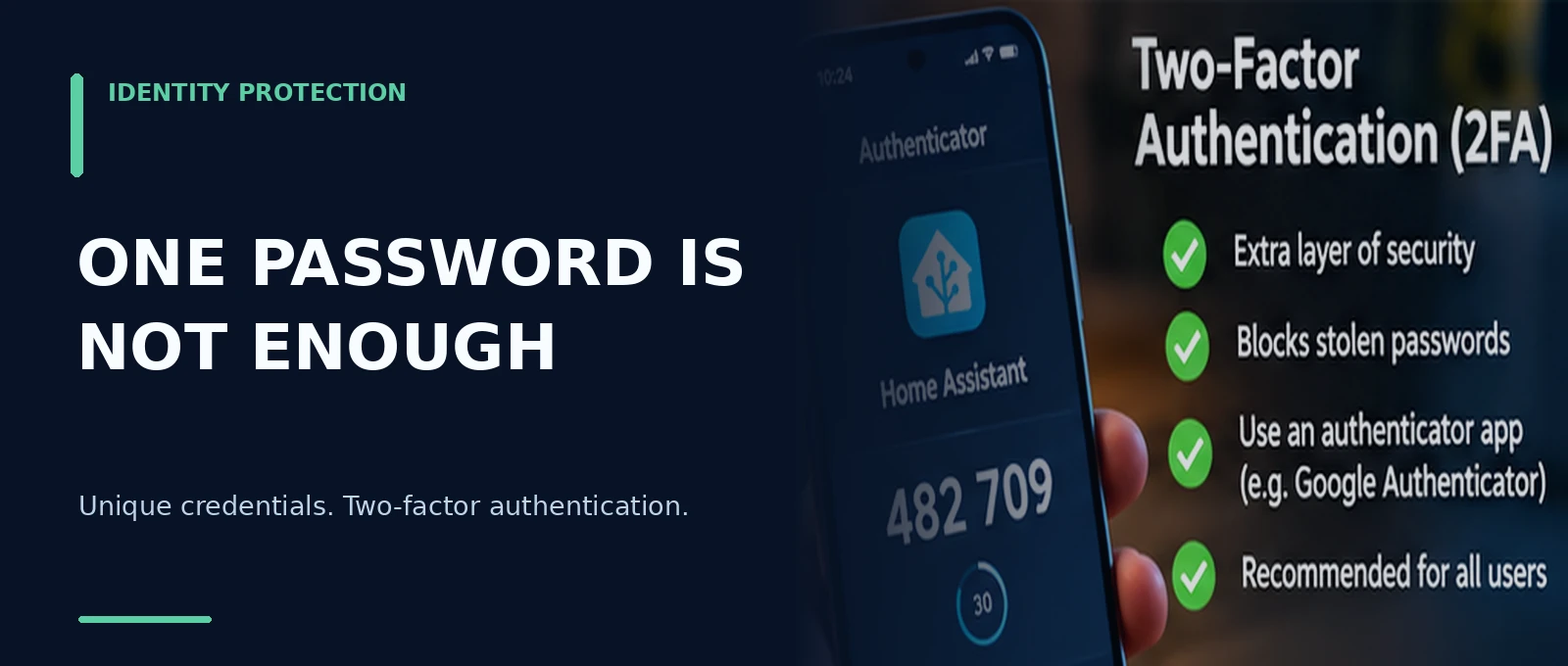
With two-factor authentication (2FA/MFA), knowing the password is normally not enough for a new login. Home Assistant supports TOTP: an authenticator app generates a new six-digit code approximately every 30 seconds.
Enable it: open your user profile → Security in Home Assistant. Find multi-factor authentication, enable the Authenticator app, and scan the displayed QR code. Then test a fresh login and confirm that you are asked for a code. Repeat this for all relevant user accounts.
Two important limitations:
- 2FA mainly protects new sign-ins. A previously stolen or still-valid access token is not automatically revoked.
- TOTP is not phishing-resistant. A sophisticated phishing site can attempt to relay a current one-time code. Always verify the domain name.
Keep your authenticator recovery arrangements safe. If your phone is lost, you need a way to regain access. Treat the TOTP secret and setup QR code as passwords: never share them.
Technical note for 2026.11: unsupported custom authentication providers may handle MFA differently. Prefer built-in authentication, and test whether a second factor is still enforced if you depend on a custom provider.
8. Open ports, reverse proxies, VPNs and Cloudflare Tunnel
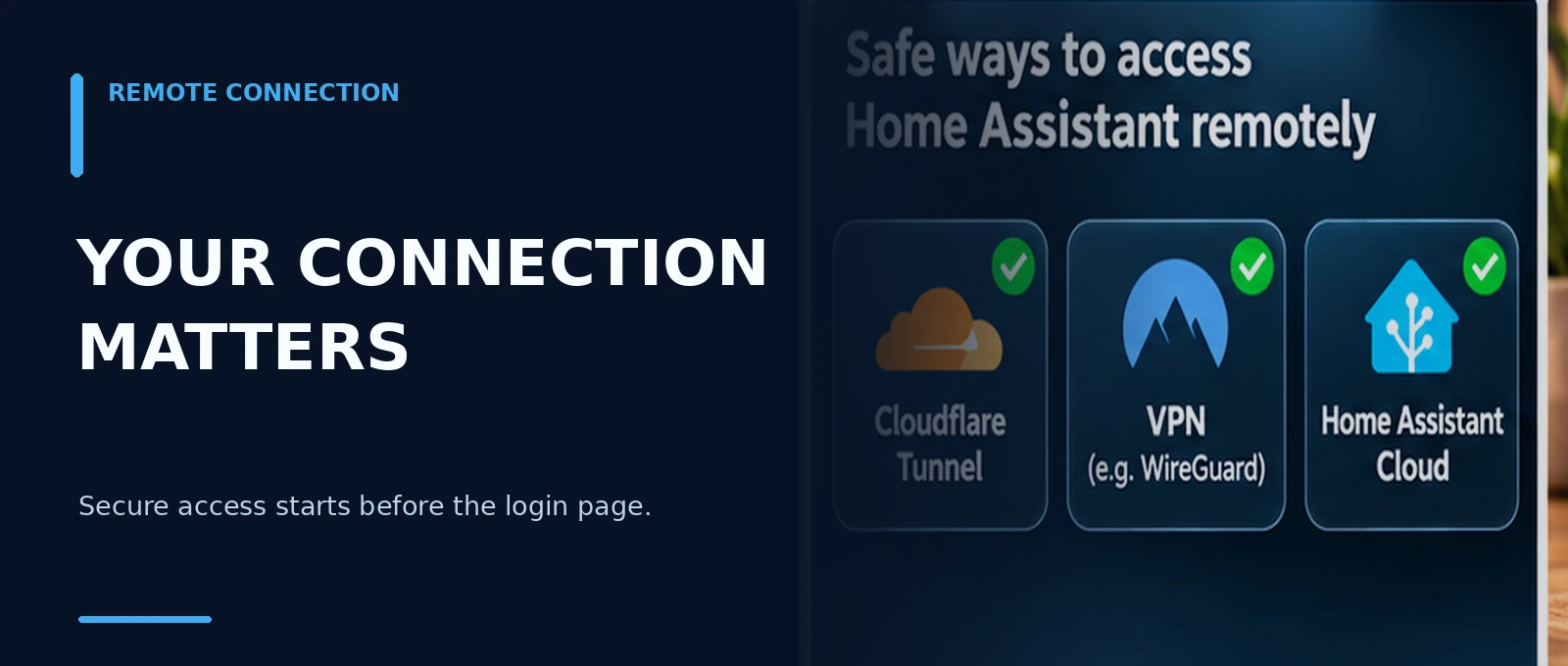
Remote-access methods are not all equivalent. The key question is what service can be reached from the internet and which controls stand in front of it.
| Method | Main consideration | What to verify |
|---|---|---|
| Direct port forwarding | Home Assistant is directly reachable through the public address | Updates, HTTPS, authentication, external visibility |
| Reverse proxy | Can terminate TLS and enforce additional access checks | Proxy updates, correct source IP, headers |
| Cloudflare Tunnel | No incoming router port is required for the tunnel | Public URL may still be reachable; secure your Cloudflare account |
| VPN such as WireGuard or Tailscale | Users authenticate to the VPN before reaching Home Assistant | Key management, client devices and identity controls |
| Home Assistant Cloud | Managed remote-access path without router port forwarding | Cloud account and Home Assistant account security |
A VPN or access gate can reduce the amount of arbitrary internet traffic that ever reaches your login page. Cloudflare Tunnel does not replace Home Assistant’s own login security. HTTPS is equally important for transport encryption, but it cannot prevent someone from signing in with stolen valid credentials.
Important current detail: since Home Assistant 2026.8, the default HTTP port for new Home Assistant OS setups is 80; for Container it remains 8123. Existing installations may keep an old or custom port. Always check your actual configuration before changing firewall or proxy rules.
9. Real vulnerabilities: what has actually happened?
No large software project is free of vulnerabilities. Home Assistant publishes advisories on its official Security page, generally listing affected releases and the version in which the issue was fixed. Three real examples:
| Advisory date | Issue | Fixed in |
|---|---|---|
| March 27, 2026 | CVE-2026-34205, unauthenticated app endpoints exposed on the local network under certain Supervisor configurations (critical) | Home Assistant Supervisor 2026.03.2 |
| September 16, 2026 | CVE-2026-91130, XSS in the Statistics Graph Card (high) | Home Assistant Core 2026.7.0 |
| October 29, 2026 | CVE-2026-91131, SSRF through local-network SSDP service discovery (moderate) | Home Assistant Core 2026.8.0 |
A vulnerability report is not proof that a flaw was exploited widely. A CVE also does not mean that every installation was affected: the software version, configuration and required network access matter.
The takeaway: update not only Home Assistant Core but also Supervisor, OS, apps, Companion apps and other relevant software. Read release notes, take backups before major upgrades, and do not needlessly postpone security fixes.
10. HACS and custom integrations: whose code do you trust?
Custom integrations can be extremely useful. But third-party code may execute with access to Home Assistant configuration, APIs and data. If that code is untrustworthy or compromised, the consequences can be serious. This does not mean HACS itself is malicious: it means the provenance and maintenance of the code you choose matter.
Before installing an extension, examine the repository, developer, recent releases, outstanding security reports and the access that the integration requires. Be skeptical of installation commands from unknown websites, shared API tokens, pasted secrets and extensions requesting unnecessarily broad network access.
Open-source code can be reviewed, but open source is not proof that someone has actually audited it. Keep backups of important systems and maintain a list of custom components you rely on.
11. Tokens and sessions: the forgotten keys
Not every request to Home Assistant requires entering a username, password and second factor again. After sign-in, apps use tokens. You can also create long-lived access tokens for scripts, API calls or external services.
These tokens are sensitive. Someone who steals a valid token may be able to perform actions without repeating the normal interactive login. Never place real tokens in public GitHub repositories, logs, screenshots or example configuration files.
Open user profile → Security and review refresh tokens and long-lived access tokens. Revoke unfamiliar or unnecessary entries. When changing your password, Home Assistant can offer to sign out other sessions; use this after suspected compromise and review long-lived tokens separately.
For developers: use a dedicated account or the least privileged available context, avoid putting tokens in URLs and store secrets securely. Changing a password alone does not guarantee every previously authorized route has disappeared.
12. Risks inside your own network
You could remove every port forward and still have an incident caused by a vulnerable IP camera, untrusted mobile app or insecure device on your LAN. Not every attack starts on the internet.
Consider a dedicated IoT network or VLAN if your router and hardware properly support it. Where possible, limit access from IoT devices to PCs, a NAS and management interfaces. Update router firmware, disable unused remote administration and UPnP functions, and give important devices unique passwords.
A VLAN is not magic. Zigbee, Matter, mDNS and other discovery mechanisms may require additional network configuration. Begin by knowing what is connected, keeping it updated and disabling unnecessary services before creating a complex network design.
13. Privacy: your home tells a story
Home Assistant can accumulate a remarkably detailed picture of daily life. It is not just GPS coordinates: lights switching on or off, power consumption, a doorbell detecting movement, presence sensors and the times an alarm is armed can all reveal patterns.
To someone with unauthorized access, many apparently harmless measurements can form a useful timeline. The more history you retain and cloud integrations you connect, the more information may be accessible.
Review what you genuinely need to retain, which dashboards you share, what access household members or guests receive, which cloud services handle data and whether your backups are encrypted and protected. Logs and screenshots posted to a public forum can also reveal IP addresses, entity names and daily routines.
14. A practical 15-minute security audit
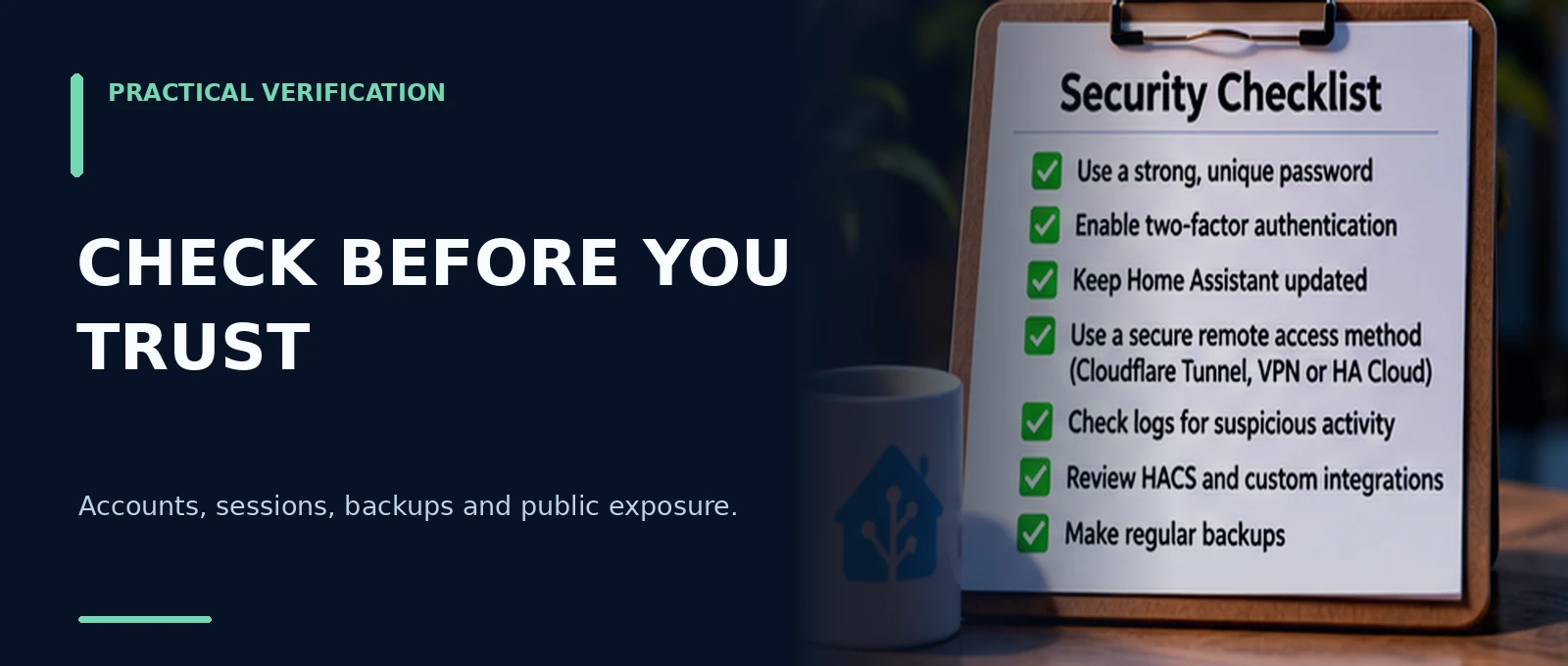
Use this as a practical checklist, not a guarantee:
Short on time? Remove unnecessary public access, install security updates, enable 2FA and review unexpected sessions or tokens first. Network redesign can come later.
15. What if you believe someone already got in?
Do not panic over a single log warning, but take tangible indicators of unauthorized access seriously. A sensible first response is:
- Establish the facts. Record timestamps, source IPs, affected users and unexpected changes. Preserve relevant logs and screenshots before losing evidence.
- Reduce exposure. Temporarily disable unnecessary public access or block the affected route, particularly if there are signs of active access.
- Change passwords and enable 2FA from a trusted device. Sign out other sessions and revoke suspicious refresh and long-lived tokens.
- Review integrations, automations, webhooks and secrets for unauthorized modifications. Check linked services and relevant Cloudflare, VPN or router accounts too.
- Update and identify the cause. Restoring a trustworthy backup may be necessary, but do not blindly restore the same vulnerable configuration or leaked token.
- Verify from outside again. Are unwanted ports closed? Does only the intended remote access work? Do new suspicious sign-ins continue to appear?
If there is strong evidence of a significant compromise, consider help from an experienced network security or incident response professional. If cameras, alarms or physical access are affected, assess the immediate safety of your home as well.
Conclusion: understand your system, not fear it
Home Assistant can be operated very securely. Most avoidable exposure comes from a combination of unnecessary public access, weak or reused credentials, missing second factors, outdated software, untrusted extensions and insufficient review of active access.
Shodan tells you what may be externally visible. Logs tell you which requests Home Assistant recorded. Accounts and tokens determine who is authorized to act. None of these sources tells the whole story by itself.
Good security is not one setting but a series of sensible decisions: minimize exposure, protect accounts, update software, review sessions and keep recoverable backups. That lets Home Assistant remain what it should be: the control center of your smart home.
Further reading on MechScript
See the guide to protecting Home Assistant with Cloudflare Tunnel, building a reliable Zigbee network and Home Assistant backups. HACS also appears in MechScript’s Home Assistant articles.
Sources and verification
This article was fact-checked on November 12, 2026. Example IP addresses are fictional or taken from documentation address ranges. Interface-like screens in illustrations are artist impressions, not actual application screenshots. Steps may vary with your Home Assistant version and network setup.
- Home Assistant – Securing your Home Assistant
- Home Assistant – Authentication and managing account access
- Home Assistant – Multi-factor authentication
- Home Assistant – HTTP server, trusted proxies and IP bans
- Home Assistant – Remote access
- Home Assistant – Security advisories
- Shodan – What is Shodan?
- Shodan – Search query fundamentals
- Shodan – Data timeframes
- Cloudflare – Connectivity options / Tunnel
- Home Assistant Contributors – Authentication changes in 2026.11