
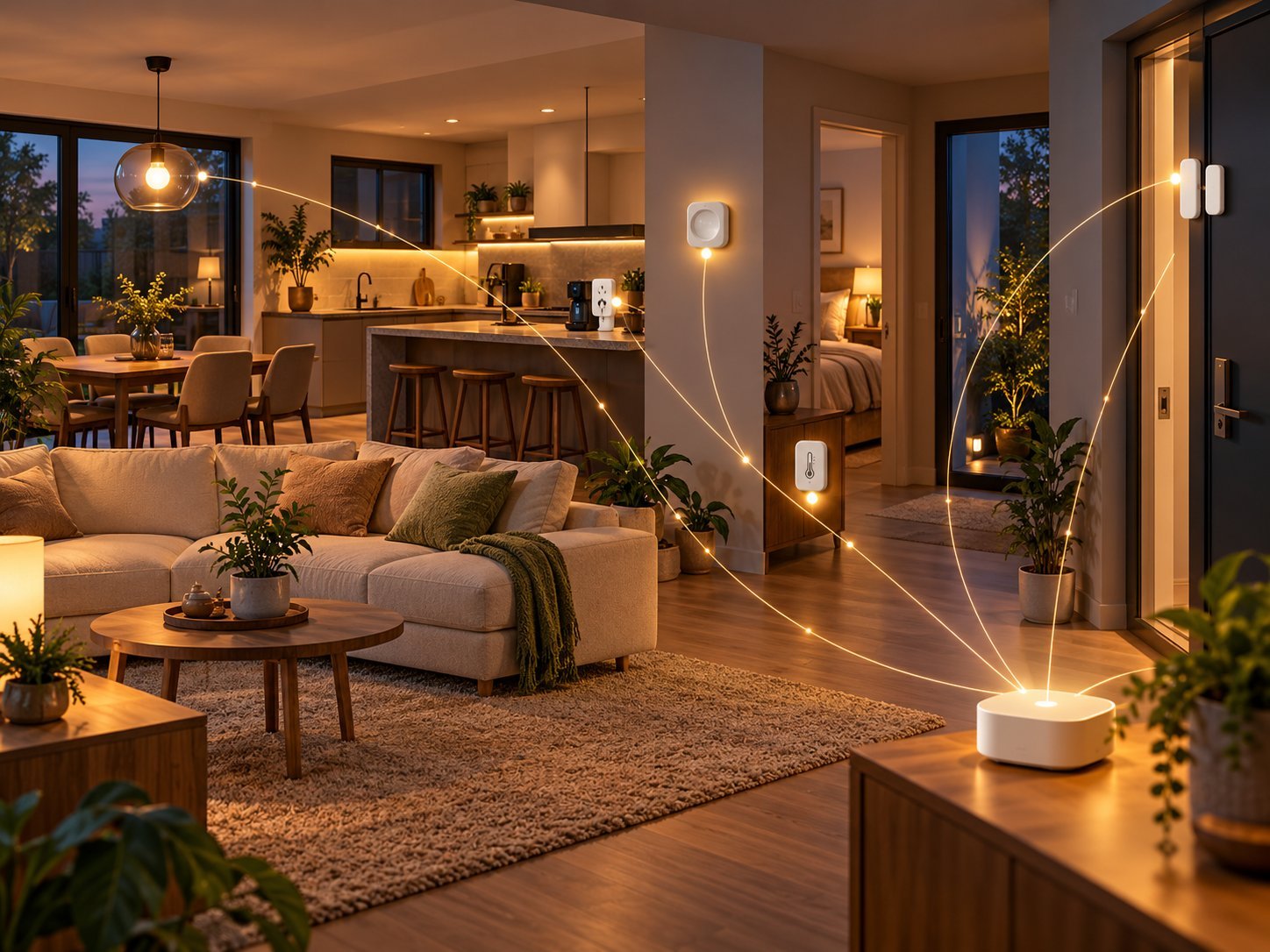
Why controlling a light with your phone is not yet a smart home – and how to move from isolated gadgets to context-aware, dependable automation.
The core idea. You can control a smart device remotely. A real automation knows when something should happen, under which conditions, and when it should not happen. The difference is not more gadgets but better logic. This guide starts with the basics and moves through presence, context, helpers, state logic, overrides, fail-safes and practical Home Assistant examples.
1. A smart device is not the same as a smart home
A smart light with an app is convenient. You can turn it on from the sofa, dim it or choose a colour. But if you still have to pick up your phone every evening, open the app and find the right button, the control is smart – not the home.
Real automation removes actions. The system detects an event, assesses the context and takes an appropriate action. A simple way to remember the difference:
- Remote control: you issue the command.
- Automation: the system responds to an event.
- Context-aware automation: the system responds only when the situation is right.
Example. ‘Light on through an app’ is remote control. ‘Light on when motion is detected’ is automation. ‘Light on when motion is detected, but only when it is dark, someone is home and night mode is not active’ is context-aware automation.
2. The three building blocks: trigger, condition and action
Almost every automation can be reduced to three parts. Understand these and you understand most Home Assistant automations.
Trigger
The trigger is the moment Home Assistant wakes up and says: ‘I need to evaluate this automation now.’ Examples include motion, a door opening, a time, a temperature threshold, a price change or someone entering a zone.
Condition
Conditions decide whether the automation may actually proceed at that moment. They prevent your home from becoming nervous. Examples: only after sunset, only when nobody is sleeping, only when the alarm is disarmed or only when the temperature is below 19 °C.
Action
The action is what finally happens: turn on a light, increase ventilation, send a notification, adjust the thermostat, activate a scene or run a script.
Strong design rule: a trigger determines when to check. A condition determines whether to do anything. An action determines what to do.
3. From time-based to event-based control
Beginners often start with fixed times: light on at 18:00, heating down at 22:30, outdoor light off at 23:00. That works, but it is fragile. In June it is still light at 18:00; in December it is already dark.
Event-based logic adapts better. Think of sunset, actual presence, current lux, temperature or a device that has really finished. Better triggers include:
- sunset instead of a fixed time;
- a motion sensor instead of ‘light on at 19:00’;
- actual power use instead of ‘washing machine finished after two hours’;
- a person arriving home instead of ‘heating on at 17:00’.
4. Context makes the difference
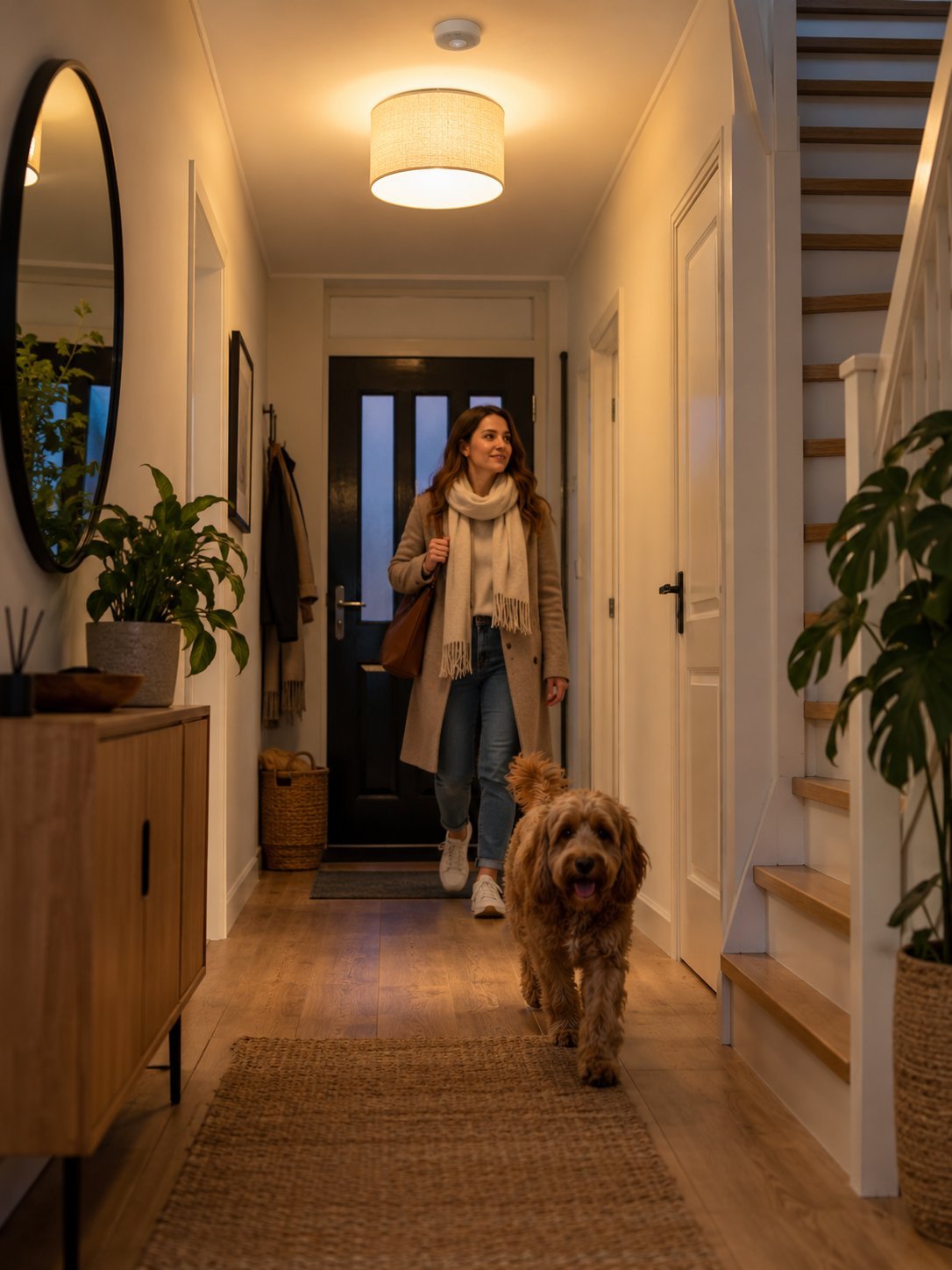
An automation is pleasant only when it takes the situation into account. The same trigger may need a different response at different times. Movement in the hallway at 15:00 need not do anything. The same movement at 22:00 may call for dim, warm light. At 03:00 you may want even less light. During a holiday you may want no normal response to indoor motion at all, but perhaps a security alert.
Useful context can include:
- time window or sun position;
- lux / light level;
- home / away;
- sleep or night mode;
- alarm status;
- room occupancy;
- weather conditions;
- energy price or surplus solar power.
5. Presence: the most important smart-home context
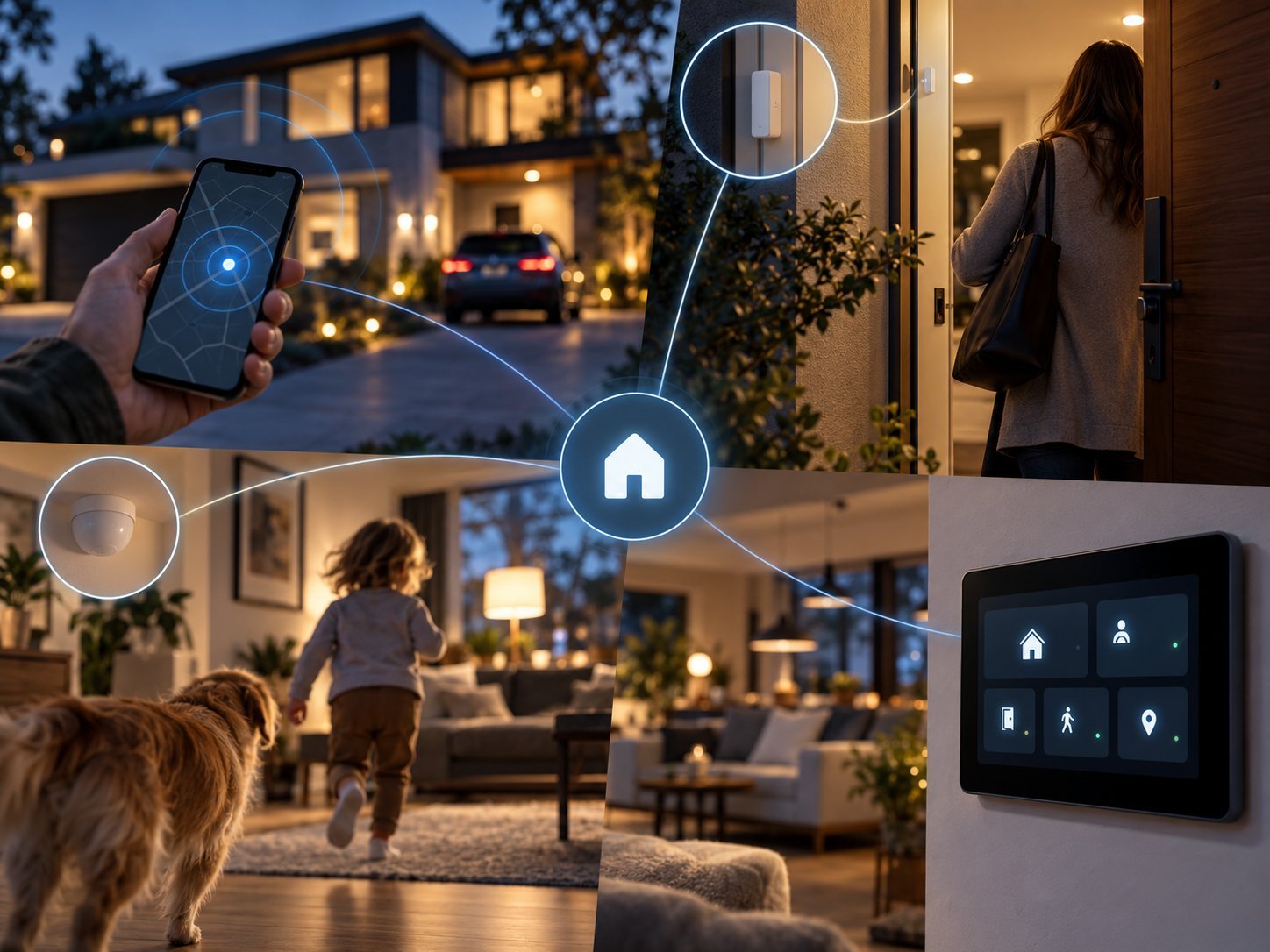
Much real automation eventually comes down to one question: is anyone home, and if so, where? A home that understands presence well can control heating, lighting, security and energy use much more logically.
Use home/away for whole-house decisions and PIR/mmWave for room occupancy. A phone says a person is at home; a room sensor says a space is being used. Those are different signals with different purposes.
Common mistake: a motion sensor is not a perfect presence sensor. Someone sitting still while reading or watching TV can ‘disappear’ from a PIR sensor. Combine signals when reliability matters.
6. Manual control must always keep working
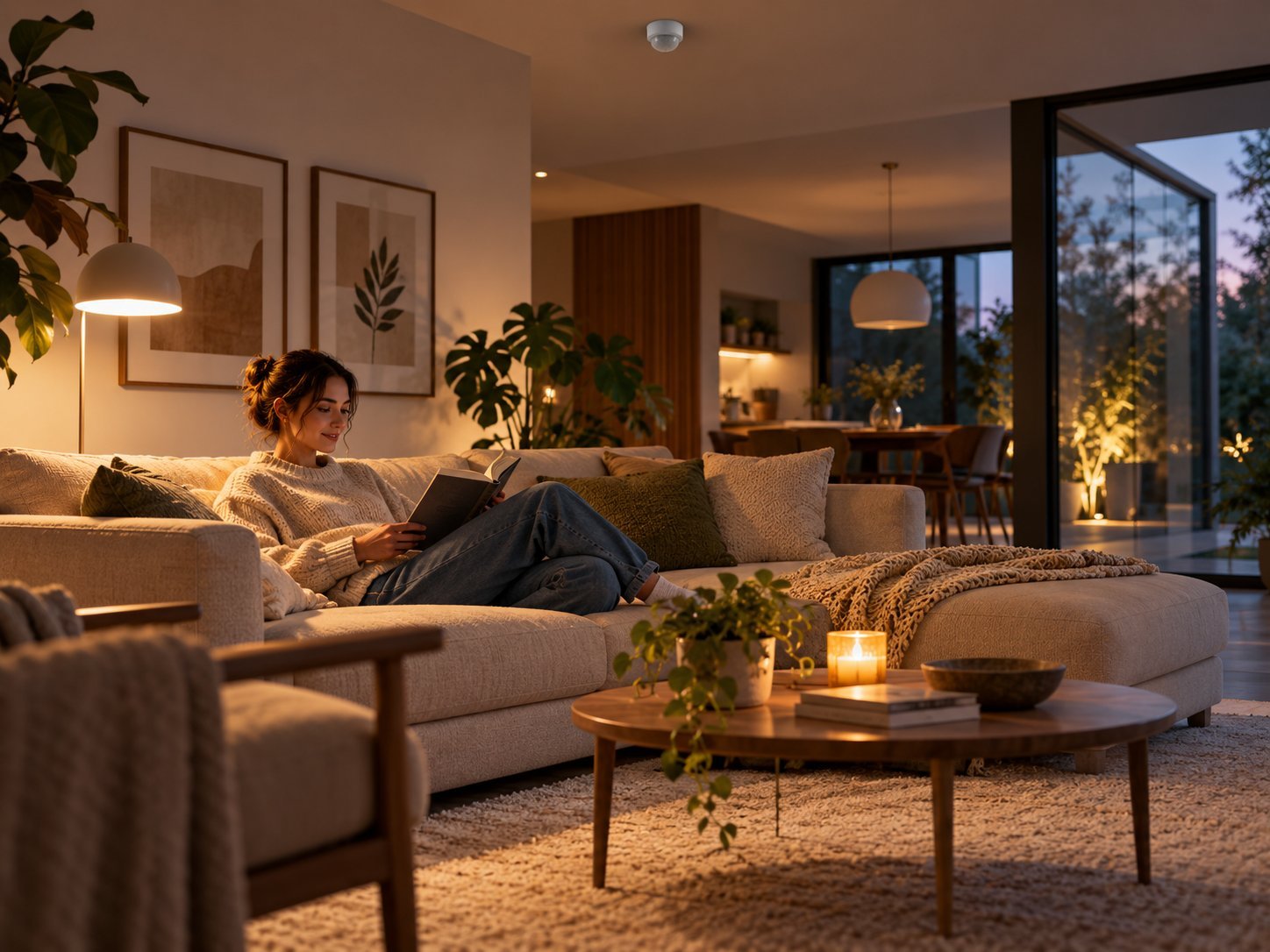
A smart home has failed if residents are afraid to use an ordinary switch. Automation should complement human control, not fight it. Always design a manual override. If someone deliberately turns on a light, an automation should not turn it off three seconds later because the default logic assumed something else.
Good patterns include:
- temporarily pause automation after manual control;
- reset the override after a logical period;
- give physical controls the same meaning as the UI;
- do not require hidden long-press commands for normal functions.
7. Helpers: your automation’s memory
Home Assistant helpers are extremely useful for keeping automations understandable. They give you explicit state instead of complicated assumptions. Examples:
input_boolean.vakantiemodusinput_boolean.nachtmodusinput_select.huisstatusinput_number.doeltemperatuurtimer.handmatige_override
With a helper you can simply say: ‘if night mode is active, use the Night scene’, or ‘if manual override is on, leave this light alone’. This is often more robust than spreading conditions across ten separate automations. The entity IDs above are kept identical to the source configuration; their Dutch names are technical identifiers, not untranslated article text.
8. Think in states, not just isolated triggers
As a smart home grows, individual automations become hard to oversee. It helps to view the house as a small state machine: Home, Away, Night, Holiday, Guest.
| State | Meaning | Typical behaviour |
|---|---|---|
| Home | at least one resident home | normal automations active |
| Away | nobody home | lower heating, arm alarm |
| Night | residents asleep | dim light, different security behaviour |
| Holiday | longer absence | presence simulation, stricter security |
| Guest | not every resident is tracked | less aggressive away logic |
The advantage is that multiple automations use the same home status. Lighting, heating and security then speak the same language.
9. Delay, hysteresis and debounce
Real automation does not react to every tiny change. Without delays and hysteresis, relays chatter, lights switch restlessly and ventilation changes speed every minute. Three important techniques:
- Delay: wait deliberately before doing something.
- Debounce: ignore short, unreliable pulses.
- Hysteresis: use different thresholds for switching on and off.
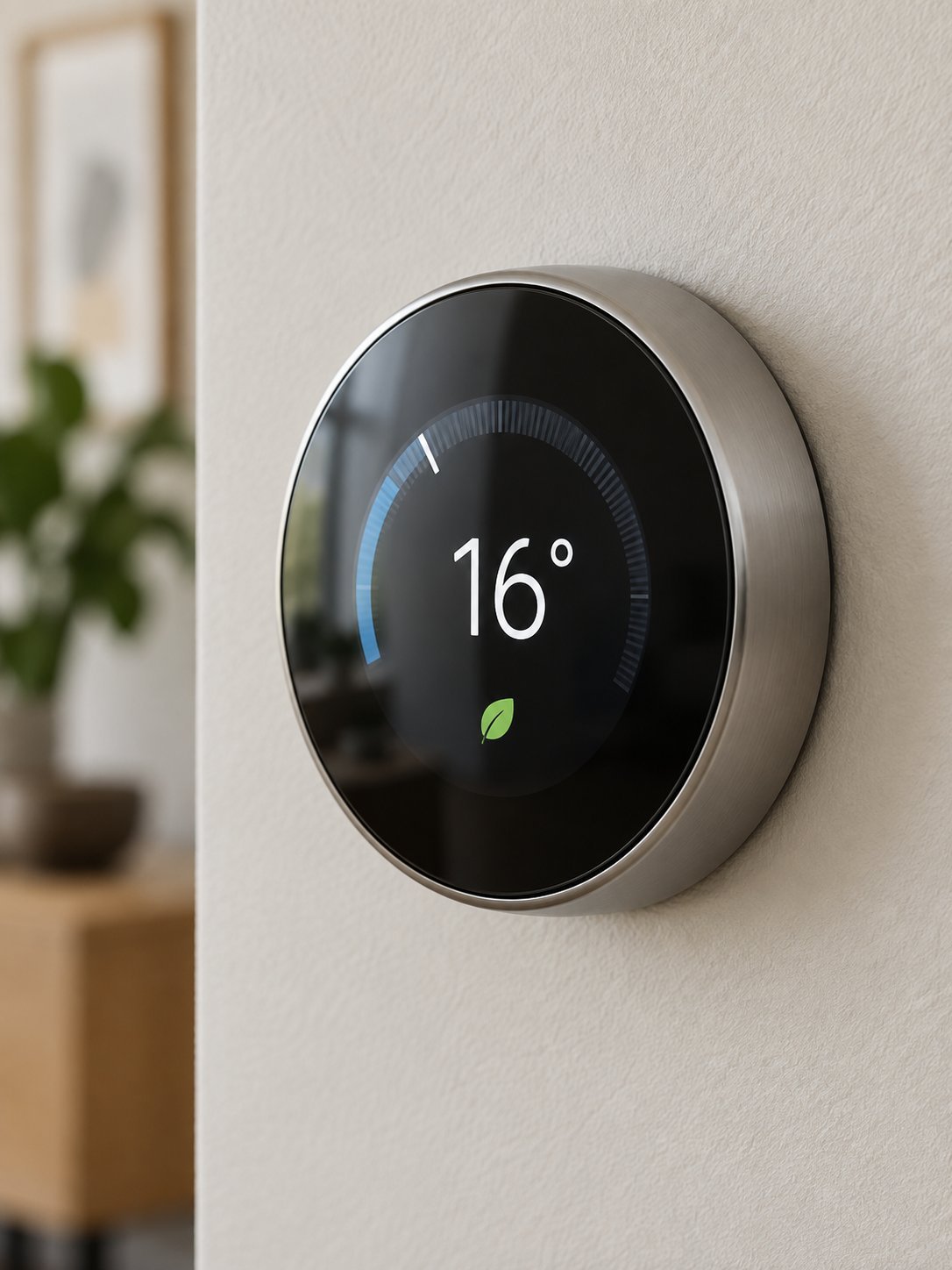
Heating example: switch on below 19.8 °C and switch off only above 20.2 °C. That is much calmer than switching back and forth at exactly 20.0 °C.
10. Automations must not fight each other
A classic problem in a mature Home Assistant setup is that multiple automations try to control the same entity. One sets ventilation high because of humidity; another sets it low because nobody is home. Which one ‘wins’ then depends only on timing.
Solve this with priorities and central logic:
- one central automation or script for a shared actuator;
- helpers that indicate the desired mode;
- priorities: safety > humidity > comfort > energy;
- do not let five separate automations all write to the same switch.
Architecture rule: the more important a device is, the fewer different automations should directly write to it.
11. Example: ventilation that really responds intelligently
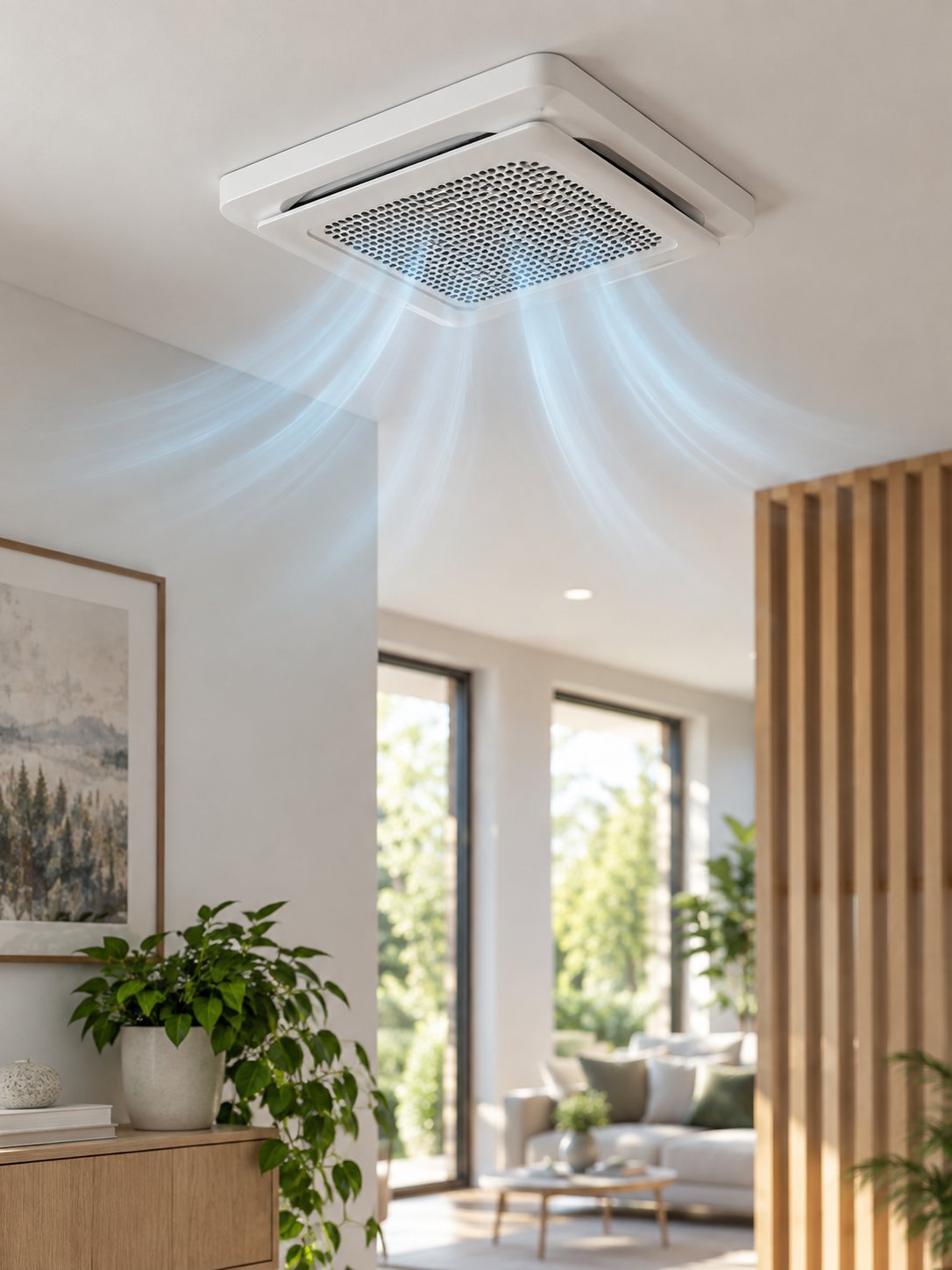
Ventilation is a perfect example of context-aware automation. A schedule alone is too crude; humidity alone is often too limited. Good control combines air quality, shower use, presence and outdoor conditions. For example:
- high CO₂ → increase ventilation;
- shower detected → temporarily use a high setting;
- humidity back to normal → reduce ventilation in a controlled way;
- nobody home → minimum setting, unless humidity or air quality requires otherwise;
- night → take noise comfort into account.
12. Example: make a washing machine genuinely smart
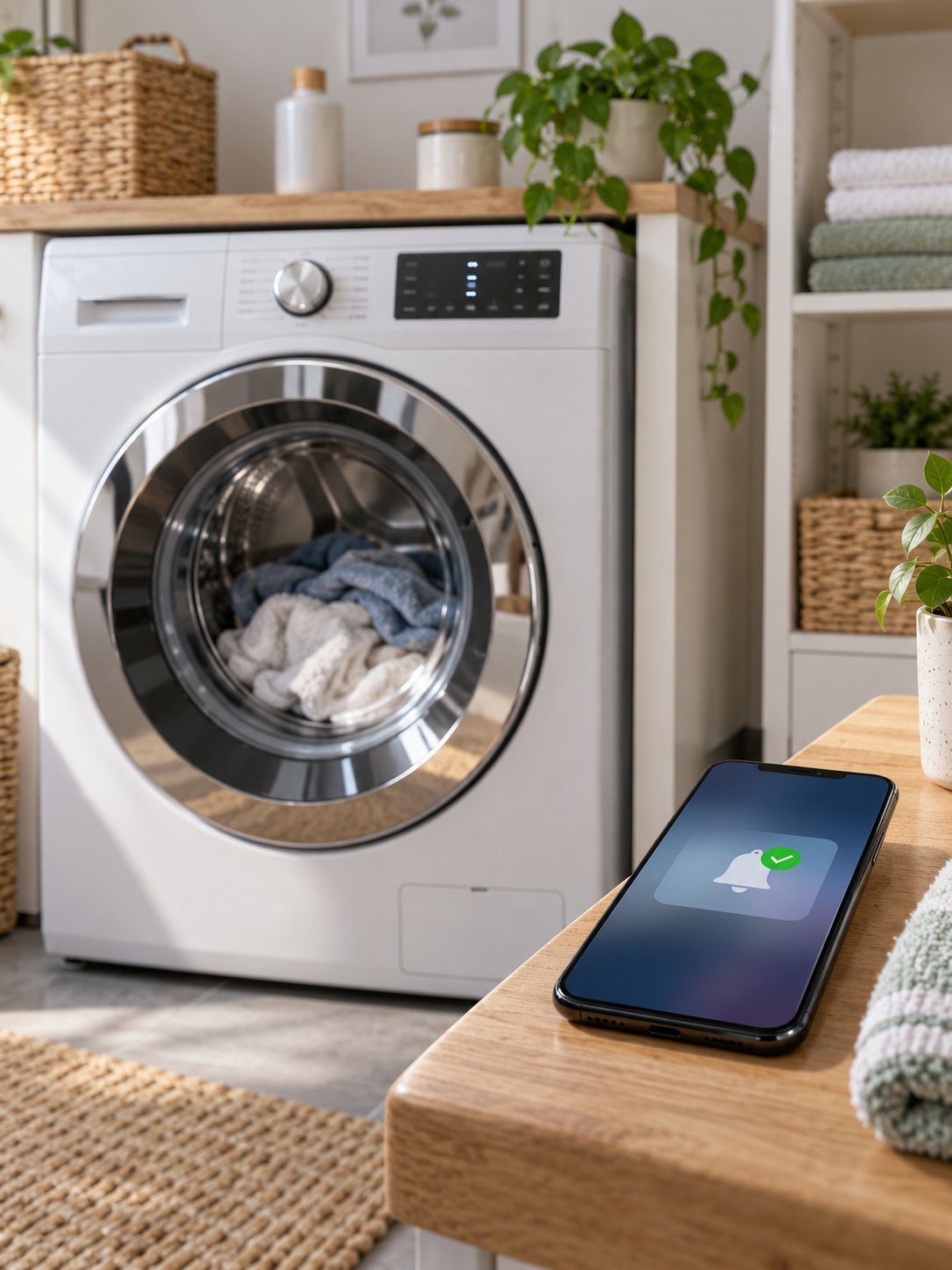
A washing machine does not become smarter simply because you add a smart plug. The value comes from using its power profile to recognise status. A typical flow:
- power above a threshold for several minutes → status ‘running’;
- power low for a sustained period → status ‘finished’;
- notify only if a real cycle was previously running;
- optionally schedule for cheap electricity or surplus solar power.
This avoids the familiar false ‘finished’ notification after every brief dip in power.
13. Energy: automate on price, production and need
Energy automation is powerful when it looks beyond price alone. Sometimes your own solar power is cheapest; sometimes grid electricity is extremely cheap; sometimes preventing peak load matters most. Good energy logic combines:
- dynamic electricity price;
- expected solar production;
- current grid import/export;
- device run time;
- comfort limits;
- phase load or connection limit.
That is why ‘start at 12:00’ is less intelligent than ‘start between 10:00 and 16:00 at the most favourable moment, provided the grid load stays safe’.
14. Security: context makes an alarm useful
Security without context quickly causes irritating alerts. A front door opening is not an alarm event if a resident has just arrived home. The same door at 03:00 while Alarmo is in Night mode is relevant. Use context such as:
- Alarmo mode;
- home/away status;
- entry delay;
- camera verification;
- door contact plus motion;
- time and known users.
Good security automation therefore responds not just to sensors but to meaning.
15. Practical Home Assistant example
The automation below is deliberately simple, but it shows the difference between a gadget action and context-aware logic. The same trigger produces a different action depending on context. The YAML, including its Dutch alias and entity IDs, is preserved exactly from the source so it can be compared with the original setup:
alias: Hallicht contextbewust
triggers:
  - trigger: state
    entity_id: binary_sensor.hal_beweging
    to: "on"
conditions:
  - condition: numeric_state
    entity_id: sensor.hal_lichtsterkte
    below: 40
  - condition: state
    entity_id: input_boolean.handmatige_override_hal
    state: "off"
actions:
  - choose:
      - conditions:
          - condition: state
            entity_id: input_boolean.nachtmodus
            state: "on"
        sequence:
          - action: light.turn_on
            target:
              entity_id: light.hal
            data:
              brightness_pct: 15
              color_temp_kelvin: 2200
    default:
      - action: light.turn_on
        target:
          entity_id: light.hal
        data:
          brightness_pct: 70
  - delay: "00:02:00"
  - action: light.turn_off
    target:
      entity_id: light.hal
mode: restart
It is still compact, but it already includes lux, override, night mode and controlled switch-off.
16. Scenes, scripts and automations have different roles
Many setups become clearer if you do not put everything in one automation.
- Scenes: a scene describes a desired state: lights, brightness, colour, curtains.
- Scripts: a script describes a reusable sequence of actions, such as ‘close down the house’ or ‘start movie night’.
- Automations: an automation decides when and under which conditions a scene or script should run.
In practice: automation = decision. Script = procedure. Scene = final state. This separation makes maintenance much easier.
17. What if Home Assistant or the internet goes down?
Real automation also accounts for failures. Cloud-dependent logic can stop when the internet fails. Central Home Assistant logic stops when the server is down. You therefore need to decide which functions are critical. For critical functions, local fallbacks can include:
- a physical switch that keeps working;
- an ESPHome device that runs simple local logic;
- a thermostat with its own minimum functionality;
- a door that can still be opened mechanically;
- safety functions that do not rely only on a cloud service.
Not everything needs redundancy. But lighting, heating and safety must not become unusable because a single server restarts briefly.
18. Debug without chaos
If an automation does not do what you expect, do not immediately change five things. Check systematically:
- Did the trigger arrive?
- Were all conditions true?
- Which
choosebranch ran? - Which action failed?
- Was the entity available?
- Did another automation subsequently control the same entity?
Use traces in Home Assistant. They show exactly which path an automation took. That is much more effective than guessing.
19. Common mistakes
| Mistake | Consequence | Better approach |
|---|---|---|
| Everything at fixed times | poor fit for seasons and unusual behaviour | use events and context |
| One sensor as the only truth | false home/away state or wrong actions | combine sources |
| No override | the home fights its residents | respect manual control |
| Many writers to one actuator | automations contradict one another | central logic and priorities |
| No hysteresis | chattering behaviour | use margins |
| Too much automation in one block | hard to debug | use scripts, scenes and helpers |
Almost every mistake above comes from building a smart home too quickly out of isolated reactions. The answer is usually not yet another sensor, but better structure.
20. Design a good automation in ten steps
- Describe in ordinary language what you want to achieve.
- Identify the real trigger.
- Decide when the automation must not run.
- Choose context: time, presence, lux, mode, temperature.
- Decide on a manual override.
- Add delay or hysteresis where needed.
- Consider restart and internet failure.
- Ensure that one actuator is not controlled by lots of competing logic.
- Test exceptional situations, not only the ideal path.
- Check after a week whether the automation actually adds comfort.
The best test: if after a week you no longer notice that the automation exists, but do notice that the home feels better, it is usually well designed.
21. When is your home ‘really’ automated?
Not when everything can be controlled through an app. Not when you have a hundred entities. And not when every device has an automation. A mature smart home feels predictable. It responds to context, respects manual choices, stays calm when sensors are noisy and degrades gracefully when something fails.
The technology then fades into the background. You no longer have to think ‘I need to turn on the light’, ‘I need to increase ventilation’ or ‘I need to arm the alarm’. The home does the right thing at the right time – and leaves you alone when nothing is needed.
In short: moving from smart devices to real automation means less manual control, more context, fewer rules that fight each other and more logic that matches how people actually live.
22. Final checklist
- Can the function be used without an app?
- Is the trigger based on a real event?
- Are the conditions clear and understandable?
- Is there a manual override?
- Are delay, debounce or hysteresis needed?
- Can two automations work against each other?
- What happens when Home Assistant restarts?
- What happens when the internet is unavailable?
- Can a partner or family member understand the function?
- Is the automation still useful after a week?
23. Conclusion
Smart devices are building blocks. Automation is the architecture that turns them into a smart home. Start small, automate only where daily behaviour is really clear and add context before adding complexity.
The best automation is rarely the most impressive. It is the one that does exactly the right thing at the right time – and stays invisible the rest of the time.
Logical follow-up articles: ‘Why a smart home sometimes acts stupid’, ‘Which sensors are genuinely useful?’, ‘A smart home your partner or family can understand’ and ‘Smart lighting: beyond the app’.