
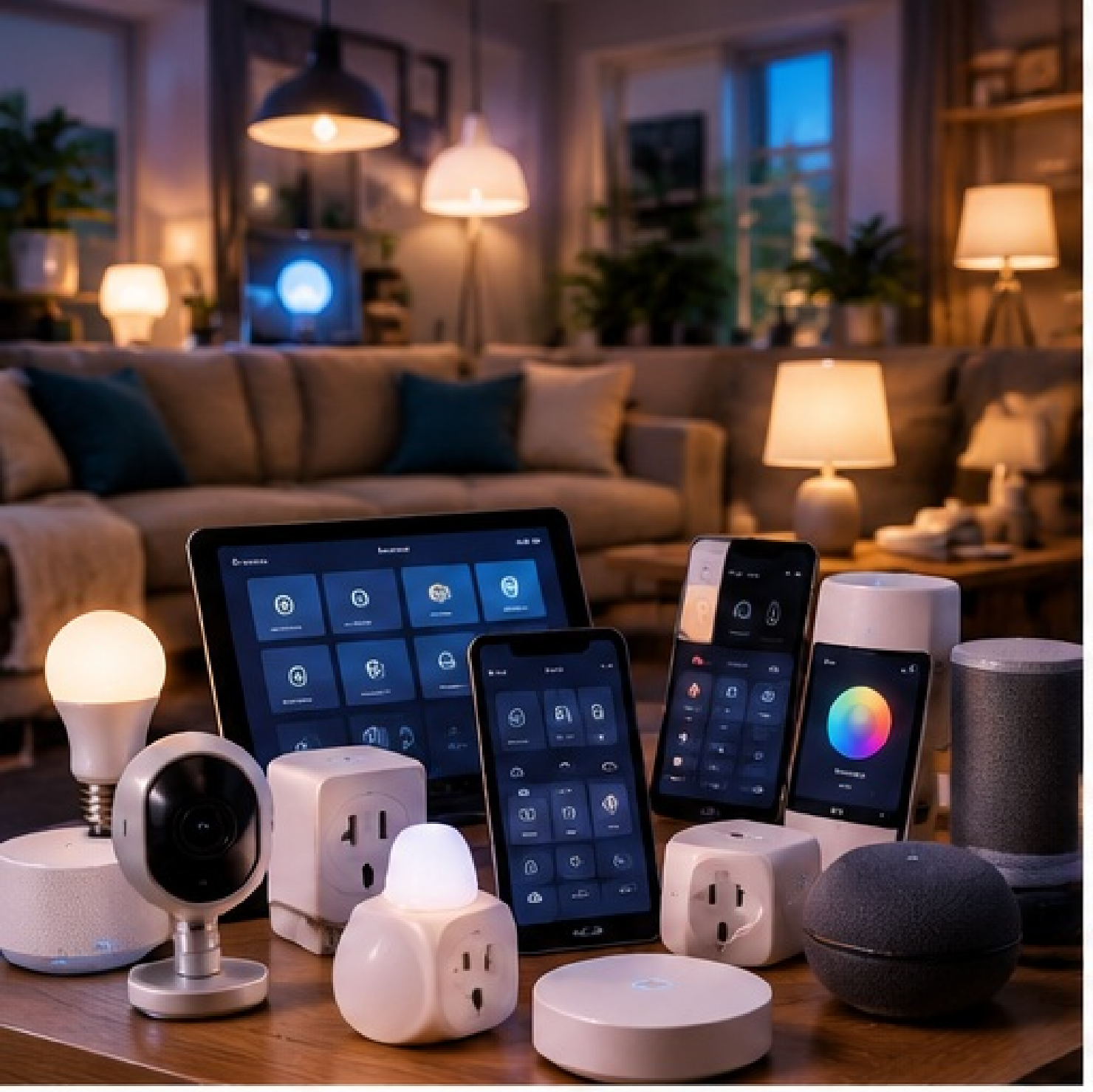
And, above all, how to stop your smart home from slowly turning into a collection of faults, apps and workarounds.
A smart home should create less work, not more. Most problems arise not because a lamp or sensor is “bad”, but because the foundations were never planned. This guide covers the mistakes that become visible only as your system grows. It is for beginners and advanced hobbyists alike: practical, brand-independent and friendly to Home Assistant users.
Build a system, not a collection of gadgets
One standalone smart light almost always works. Ten devices from six brands usually still work, too. The real problems begin when heating, lighting, security, energy, ventilation and occupancy become dependent on one another.
Good architecture in one sentence: choose one central automation layer, keep networks and protocols manageable, retain manual control, and make sure important functions do not depend on one cloud service or one fragile automation.
Mistake 1: buying too much at once
The quickest route to a messy smart home is to buy twenty devices in one weekend because they are cheap or “work with Home Assistant”. Compatibility does not mean they fit your architecture.
What goes wrong?
- You end up with multiple apps, bridges and accounts.
- You no longer know which protocol or ecosystem you actually use.
- You discover afterward that devices work only through the cloud.
- You buy three solutions to the same problem.
Better: start with one concrete use case. Automate it reliably, use it for a few weeks, and only then expand.
Mistake 2: not choosing a central architecture
Google Home, Apple Home, Homey and Home Assistant can all be part of a smart home. Things become unclear when every platform tries to be the “brain” at the same time.
A practical model is one place where the logic lives. Other apps can still serve perfectly well as controls, voice interfaces or additional services.
Example: Home Assistant runs the automations. Apple Home or Google Home displays only the devices household members need every day.
Mistake 3: putting everything on Wi-Fi
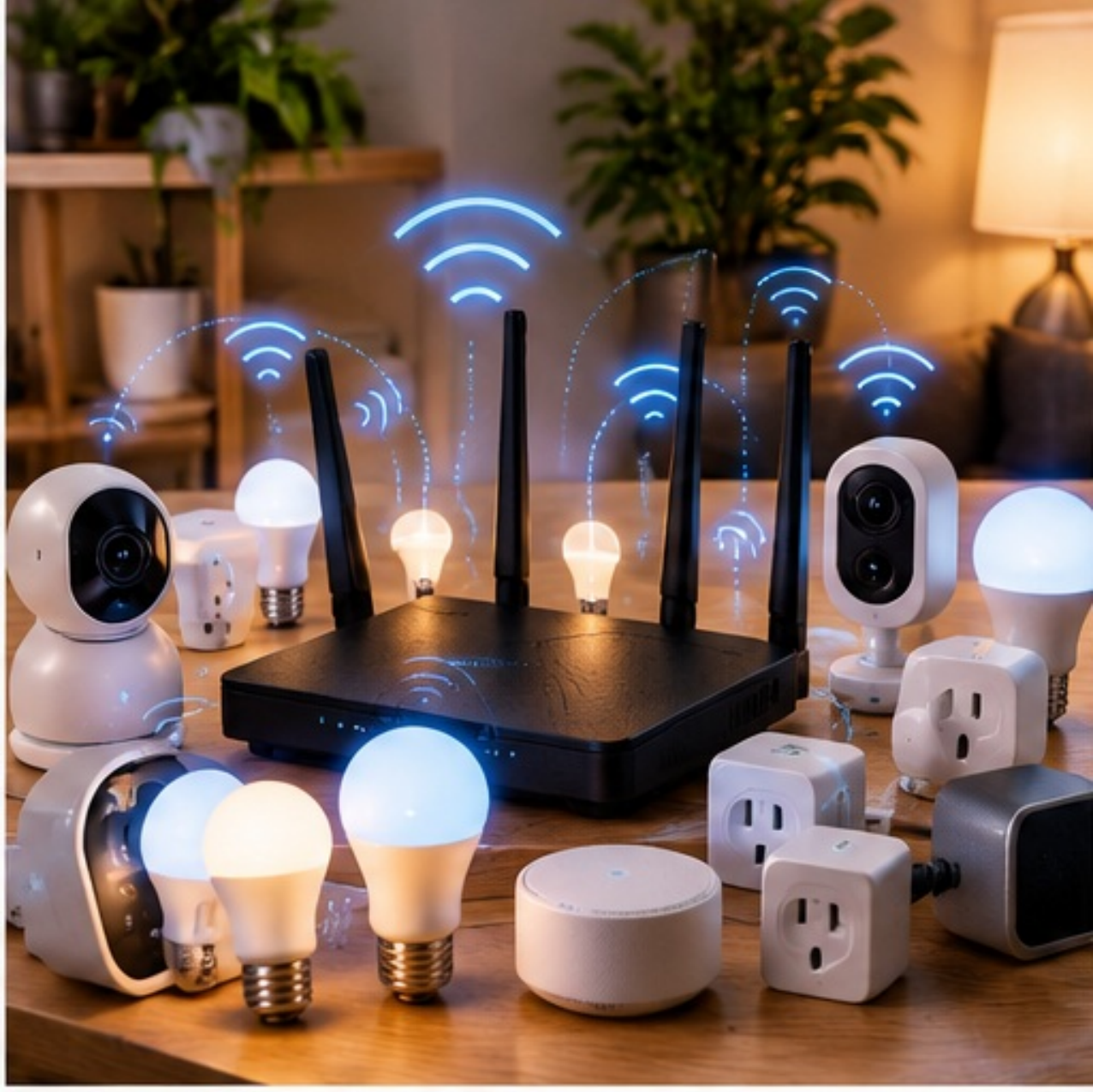
Wi-Fi is excellent for cameras, televisions, speakers and devices that use a lot of data. For dozens of battery-powered door contacts, buttons and temperature sensors, Zigbee, Thread or similar low-power protocols often make more sense.
Why an all-Wi-Fi setup can be difficult
- More clients on access points and greater dependence on good coverage.
- Many inexpensive IoT devices support only 2.4 GHz and have mediocre Wi-Fi implementations.
- Every device may introduce its own cloud account and app.
- Network maintenance directly affects more devices.
Do not be dogmatic: Wi-Fi is not bad. Use it deliberately where its strengths matter rather than giving every device the same connection automatically.
Mistake 4: ignoring cloud dependence
Cloud integrations can be very convenient. The problem starts when lighting, heating or other everyday functions stop working because the internet, DNS or a manufacturer’s server temporarily fails.
Ask three questions before buying
- Does the core function work locally when the internet goes down?
- Can the device be integrated into my platform without the manufacturer’s cloud?
- What happens if the manufacturer changes or shuts down the service?
A healthy combination: use local control for functions that must keep working every day. Cloud services are fine for extras such as voice services, external data or manufacturer features.
Mistake 5: placing a Zigbee stick next to USB 3.0 and the router
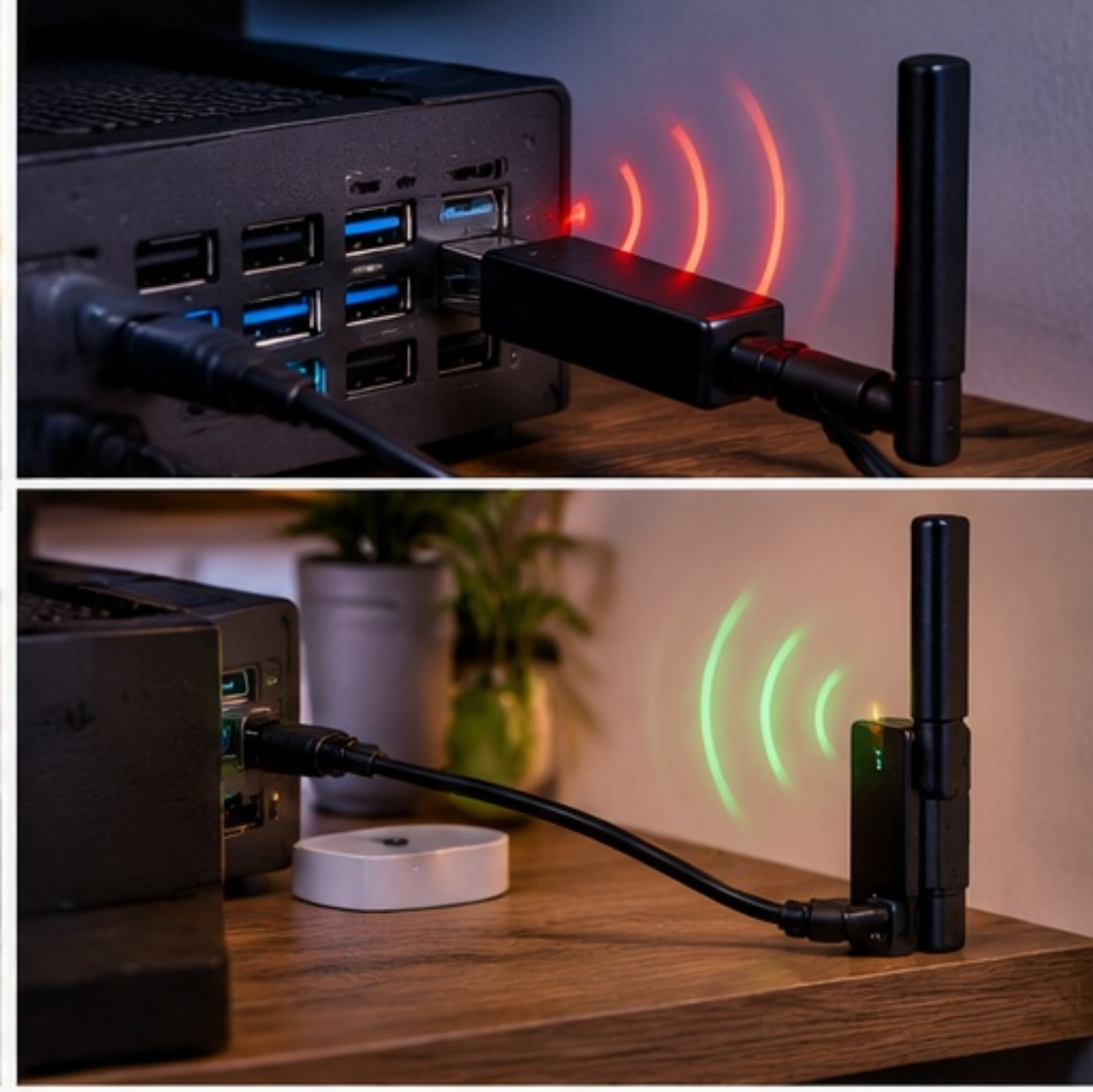
This is a classic mistake. Zigbee uses 2.4 GHz and is sensitive to radio interference. For ZHA, Home Assistant explicitly recommends a USB extension cable and preferably USB 2.0 to keep the coordinator away from interference sources such as USB 3.x, power supplies and computers.
A reliable Zigbee network also needs routers
Mains-powered Zigbee devices often act as routers or repeaters. Battery sensors usually do not. A home full of battery sensors but without enough routers can therefore produce a weak mesh.
In practice: put the coordinator away from the NUC, router and USB 3.0. Distribute fixed Zigbee routers throughout the home, and only then add many end devices.
Mistake 6: automating as though sensors never lie
A motion sensor occasionally misses movement. A phone may temporarily appear “away”. A temperature sensor does not update at an exact moment every time. Yet automations are often written as if every signal were completely reliable.
Robust automations allow some margin
- Use delays where a brief signal loss must not trigger an action.
- Combine multiple presence signals when presence matters.
- Use hysteresis for temperature, humidity and energy.
- Decide what must happen when a value is
unavailableorunknown. - Prevent endless on/off cycling with clear minimum durations.
A good rule: an automation should describe not only when something turns ON, but also what happens with bad data, a restart, a network outage and recovery.
Mistake 7: making the normal light switch unusable
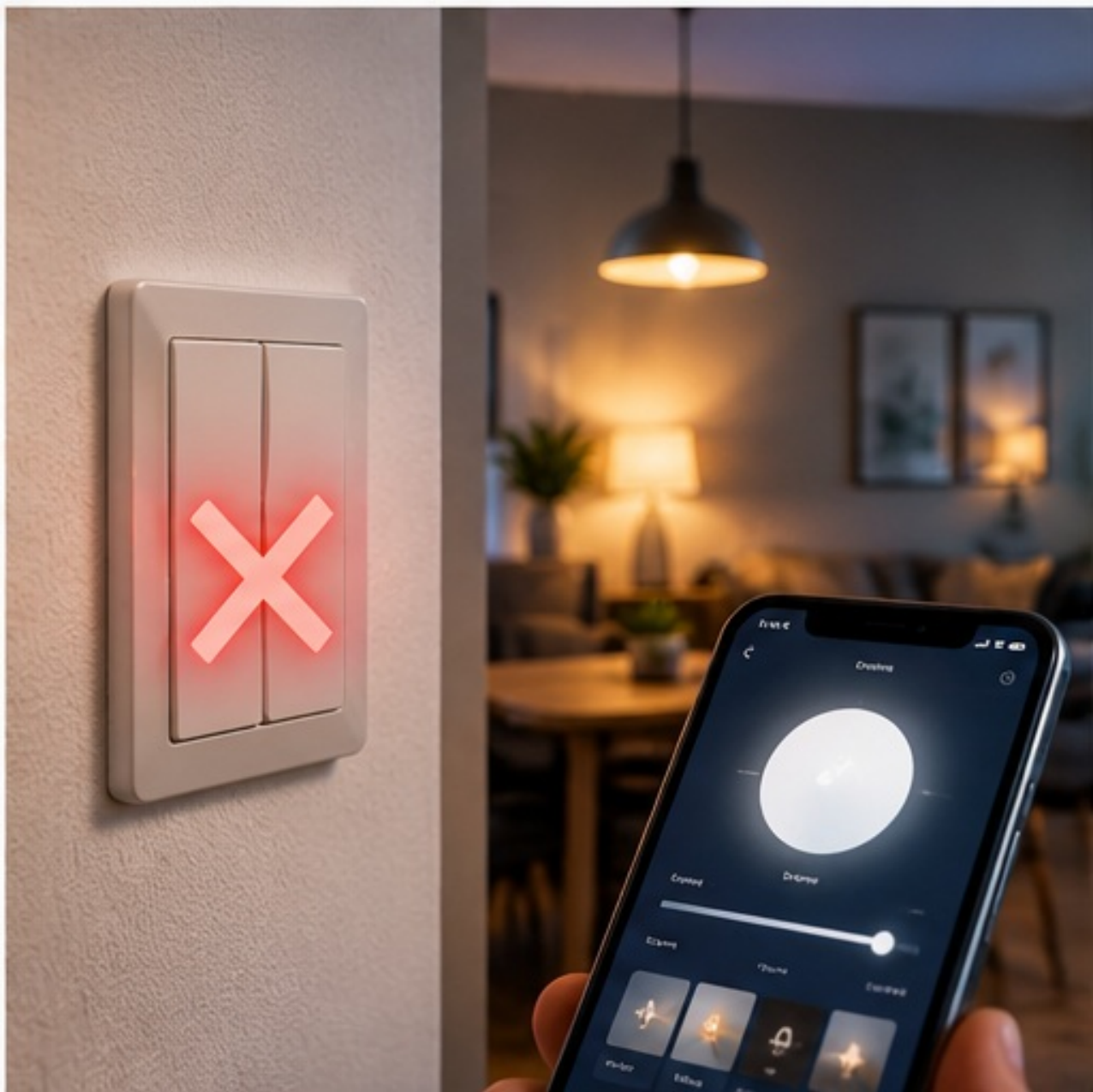
If you have to find your phone before turning on a lamp, you have not made the system smarter. Smart functions should sit on top of normal controls, not replace them.
Good fallback means
- Lighting remains locally operable with a switch or button.
- Heating has a safe default mode.
- Important devices have a manual override.
- A failed server does not make basic functions unusable.
The partner test: someone who knows nothing about Home Assistant should be able to walk into a room and understand how the light works.
Mistake 8: having no backups until something breaks
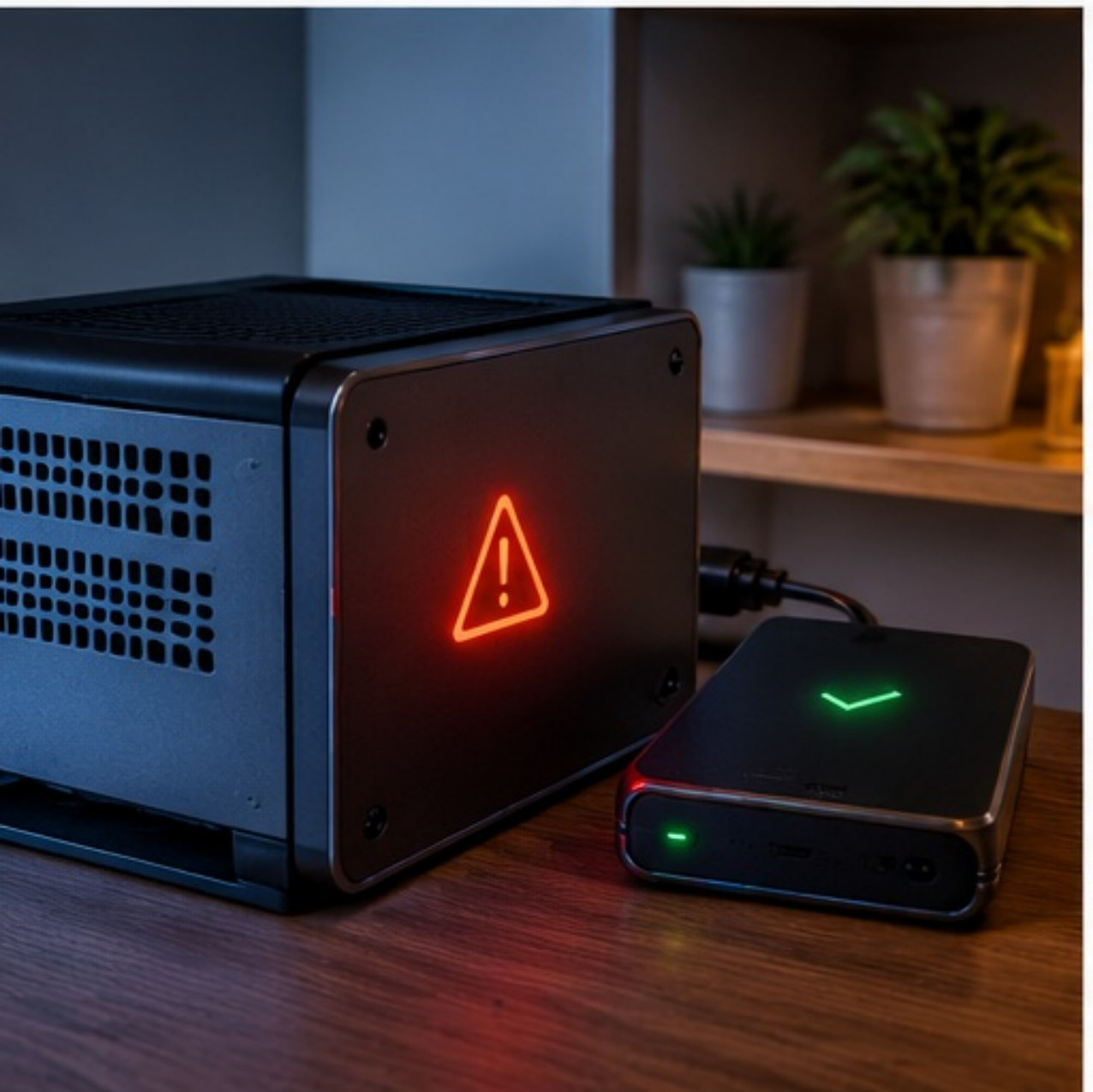
Once Home Assistant contains dozens of devices, dashboards, helpers and automations, its configuration represents hours or years of work. Home Assistant supports automatic backups and recommends, among other things, a safe emergency kit and a recoverable backup strategy.
Minimum approach
- Automatic daily or regular backups.
- At least one backup outside the Home Assistant machine itself.
- A backup before major updates or significant changes.
- Occasional checks that you actually know how to restore it.
Important: a backup on the same SSD that might fail is not a complete backup strategy.
Mistake 9: naming devices and entities sensor_1
With ten devices, naming hardly matters. With a hundred devices, naming becomes infrastructure. Choose a consistent structure for rooms, devices and entities.
Practical naming rules
- Use names people understand: “Living room floor lamp” instead of “Tuya_8F3A”.
- Use rooms or areas consistently.
- Make entity IDs reflect function and room logically.
- Avoid giving the same physical sensor three different nicknames.
Why it matters later: dashboards, automations, logs, templates and troubleshooting become much easier when names are predictable.
Mistake 10: buying on price instead of integration
An €8 smart plug is not cheap if it leaves you with a poor app, a cloud account, an unreliable integration and replacement work. Before buying, look at the protocol and how the device integrates.
Check before buying
- Does it work locally or only through the manufacturer’s cloud?
- Is there an official or well-maintained integration?
- Is firmware available locally or through a reliable update chain?
- Is the protocol open and broadly supported?
- Are reports about range and reliability good?
Cheap can be fine: Zigbee or Wi-Fi devices need not be expensive. The difference is that you choose the architecture first, then the affordable device that fits it.
Mistake 11: assuming a smart home needs no maintenance after installation
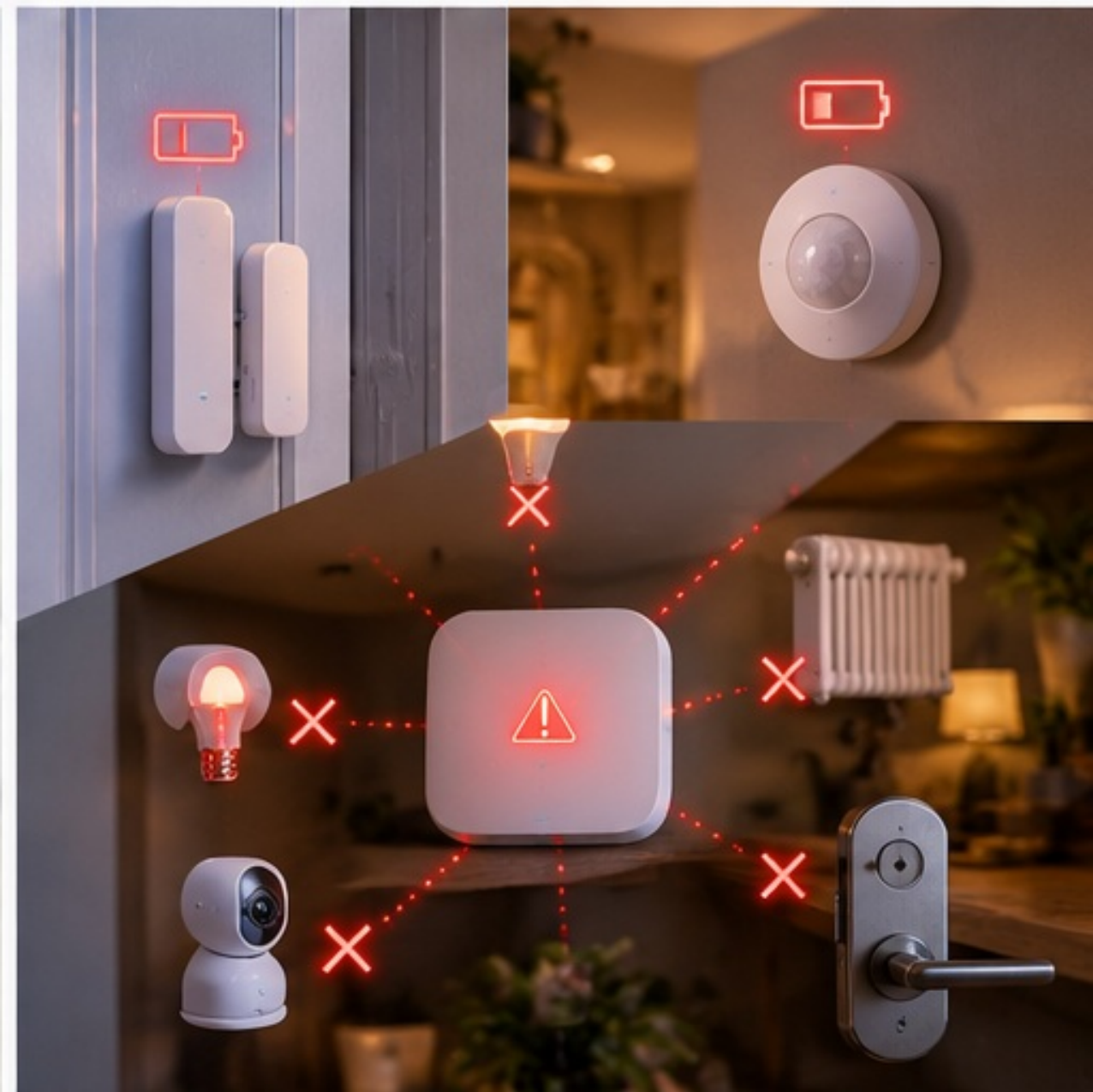
Batteries run out, certificates expire, firmware changes and routers get replaced. A reliable smart home therefore needs maintenance too—preferably little and predictable maintenance.
Make maintenance visible
- A dashboard or alert for low batteries and
unavailabledevices. - Deliberate firmware and Home Assistant updates.
- Monitoring of backup status.
- Occasional cleanup of old devices, automations and unused helpers.
- Solving network and Zigbee problems from data rather than randomly resetting things.
Mistake 12: adding security only afterward
A smart home contains cameras, presence information, locks, lighting and sometimes energy data. Security belongs in the design, not as something to add only once everything works.
The basics are not complicated
- Unique strong passwords and MFA where available.
- Keep firmware and central systems up to date.
- Separate IoT devices with a guest network or VLAN where useful.
- Do not open unnecessary ports from the internet.
- Use a safe remote-access solution such as a VPN or managed service.
Segment sensibly: a VLAN is not a goal in itself. Start with clear zones and add firewall rules based on necessary traffic flows. A VLAN you do not understand well can mainly make your home more complicated.
Checklist for a home that still works pleasantly in five years
| Area | Check |
|---|---|
| Architecture | One central logic layer chosen; apps have clear roles. |
| Purchasing | Protocol and local/cloud integration checked before buying. |
| Wi-Fi | Good coverage; not every battery device unnecessarily on Wi-Fi. |
| Zigbee | Coordinator placed well; enough routers in the mesh. |
| Automation | Fallbacks, hysteresis, unavailable and recovery behavior considered. |
| Control | Physical control remains logical and usable. |
| Naming | Rooms, devices and entities named consistently. |
| Backup | Automatic and available outside the host. |
| Maintenance | Batteries, offline devices and updates are visible. |
| Security | MFA, updates, network segmentation and safe remote access arranged. |
The most important lesson
A smart home becomes reliable through unglamorous choices: consistent standards, logical names, local fallbacks, good backups, and solving one problem well before automating the next.
Sources and technical basis
Home Assistant documentation: ZHA best practices and Zigbee interference; Home Assistant Backups and automatic backups; Home Assistant integrations. Consulted October 2026. Product capabilities and protocols change. Before buying, always check the current documentation for the specific device and platform.