A good smart home takes care of small tasks without constantly demanding attention. You do not need to program. An automation follows a simple pattern: IF something happens, optionally CHECK a condition, THEN perform an action. For example: if motion is detected and it is dark, turn on the light.
You usually need Home Assistant or another central system, a sensor that can measure something and a light, plug, thermostat or other device the system can control. Start with one rule, test it for a few days and only then add another.
1. Light on with motion
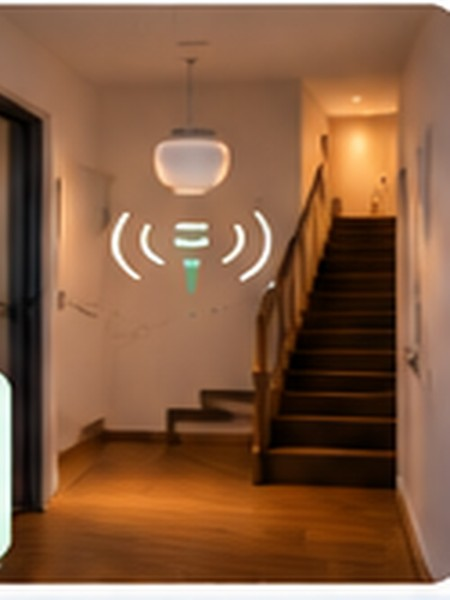
Use a motion sensor and smart light or switch. IF motion is detected and it is dark enough, THEN turn on the light. Turn it off after a few minutes without motion. Avoid an overly short delay; five minutes in a hallway can be more comfortable than one.
2. Lower heating when away
A smart thermostat can lower the temperature a little when everybody leaves and raise it when they return. Reliable presence detection matters. With underfloor heating or a heat pump, small temperature changes are often preferable because these systems respond slowly.
3. Alert when a door or window stays open
A door/window sensor can send a phone notification after, for example, ten minutes. Start with an alert only, perhaps only when the heating is active. You can always add automatic heating changes later.
4. Turn off non-essential devices
A suitable smart plug can switch off a printer or entertainment device during quiet hours or after prolonged low consumption. Check the plug’s power rating. Never casually turn off a refrigerator, router, alarm, care device or safety equipment.
5. Get a laundry or dishwasher-finished alert
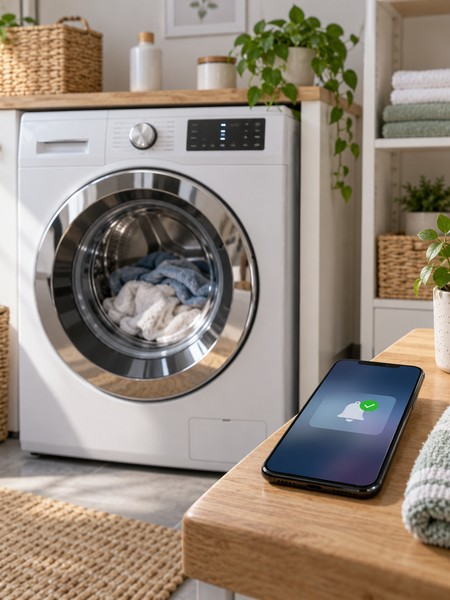
An energy-monitoring smart plug or the appliance’s own status can detect that a programme was active and then drew almost no power for a while. Send a notification. The plug must be rated for the machine; leave it switched on for this notification use case.
6. Outdoor lights at sunset
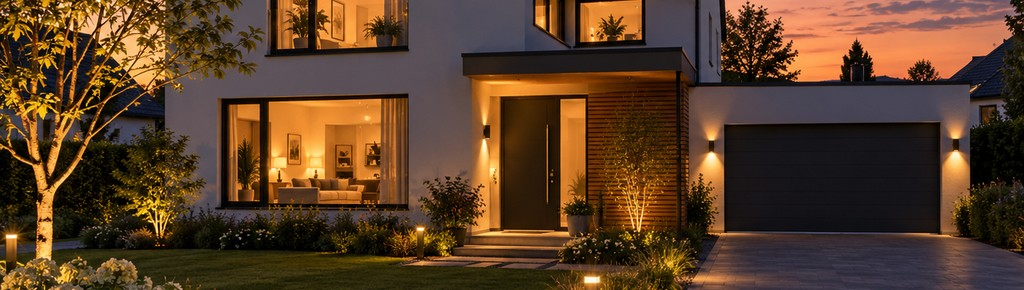
Switch outdoor lights on at sunset and off later at a set time or when nobody is home. Sunset changes with the seasons, so you no longer need to adjust a timer.
7. Shade rooms when sunny and warm
If sun hits a window and the indoor temperature is high enough, blinds can partly close. Smart curtains, shutters or shades and a temperature sensor help. For external shades, wind protection and manual control always come first.
8. Boost ventilation while showering
A humidity sensor can detect a rapid rise. Temporarily increase ventilation and return it to normal afterwards. Do not switch off basic ventilation completely; a safe minimum level is still needed.
9. Welcome home
When you arrive, the hallway light can turn on if it is dark and the thermostat can return to a comfortable setting. A phone or other presence detector provides the trigger. Keep it subtle: one or two useful actions are often better than an elaborate scene every time.
10. Good night or away mode
One physical button or dashboard action can turn off lights, lower heating a little and switch off non-essential devices. Optionally check for open doors. Smoke alarms, network equipment, the refrigerator and other essential devices stay on.
Which three should you try first?
Try motion-based lighting for immediate feedback, a laundry-finished alert to learn energy monitoring and a good-night button to combine small actions. Keep ordinary switches usable, give rules clear names and provide a simple manual override. An automation works well when you barely notice it.