

Cloud systems versus local automation: privacy, speed, reliability, and what does or does not keep working in practice when your connection fails.
In one sentence: a smart home is truly smart only if its most important functions continue to work at home even when the internet connection goes down. That is exactly why local automation is so interesting.
This article combines two subjects: what happens in practice during an internet outage, and why more people are choosing a smart home that works locally as much as possible. Not as dogma, but as a sensible foundation.
Why this matters more than it seems
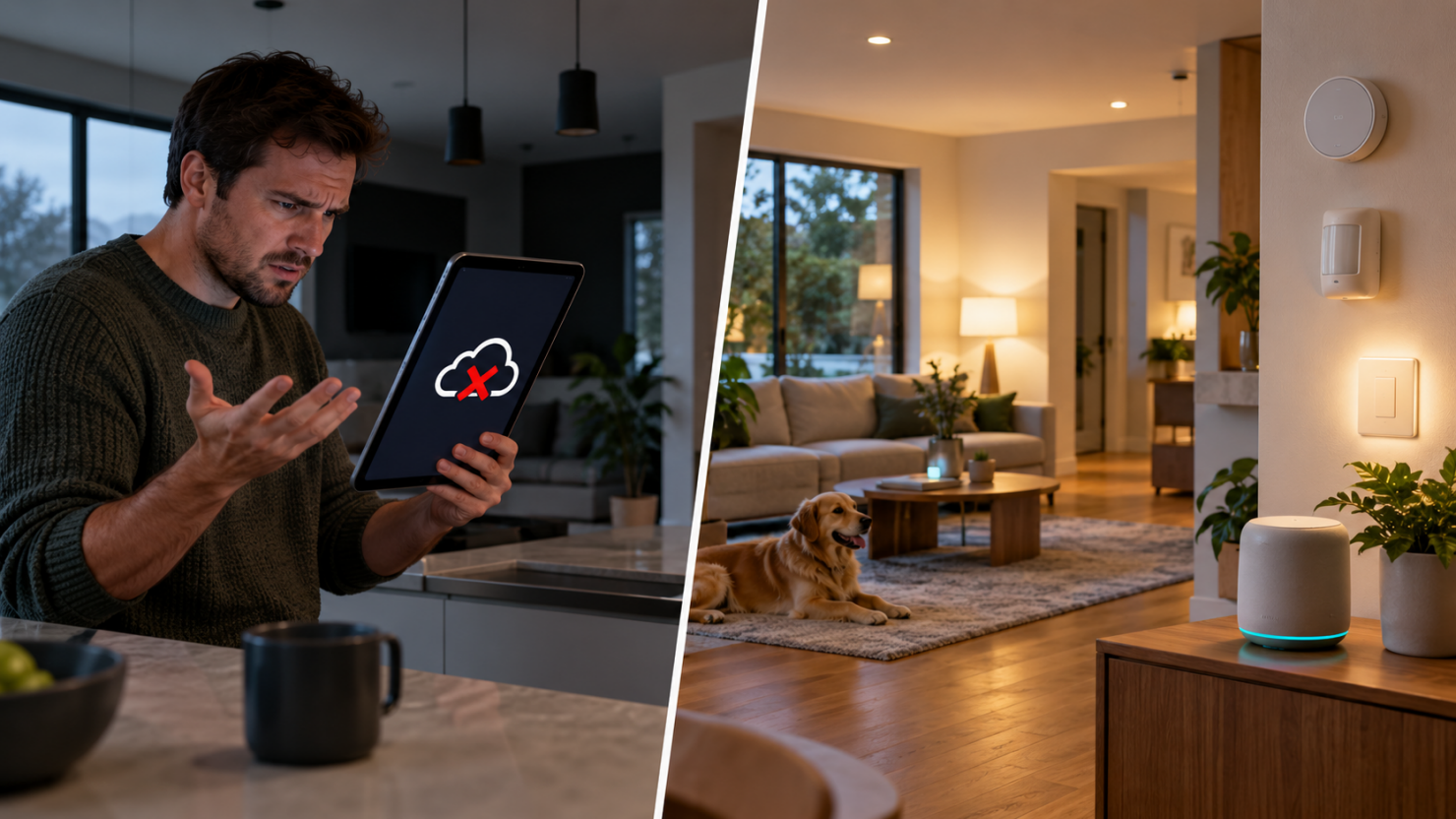
Many people start using smart devices because it feels easy: plug one in, install an app, create an account, and you are done. In daily use, that often works fine. Until something goes wrong: the internet goes down, the manufacturer’s cloud server falters, an app is temporarily unavailable, or a supplier ends support.
Then you suddenly discover how your smart home is actually built. Does the motion sensor still turn on the hallway light? Does the thermostat still work? Can you still switch a lamp from a local dashboard? Or is everything waiting for an external server?
At exactly such a moment you see the difference between a home that is only “smart through the internet” and one that can operate independently. On the left: dependence on a cloud or app. On the right: the basics of the home remain usable locally.
What do cloud and local mean?
In a cloud-dependent system, an important part of the logic runs outside your home. A manufacturer’s app, account or server helps determine whether an action can be performed. That need not be a problem, but it makes you dependent on both the internet and the availability of that external service.
In a local system, the core logic runs inside the home: on a local hub, a Home Assistant installation, a bridge or another device on your own network. A sensor can then start an automation locally without first asking the internet for permission.
An important nuance: local does not automatically mean “never use the internet”. It mainly means that the important basic functions in the home do not depend entirely on external cloud servers. Many people deliberately choose a hybrid approach.
What actually happens when the internet goes down?
During an internet outage, your local home network is usually still active. Your router keeps running, Wi-Fi often remains on, and devices on the same network can often still see one another. Only the connection to the outside world is lost.
Your smart-home experience can therefore vary enormously depending on how the system is built.
| Function | Cloud-dependent system | Local system | Note |
|---|---|---|---|
| Smart light through an app | Usually unavailable or limited. | Usually works. | A physical switch remains important. |
| Sensor-to-light automation | Often unavailable. | Usually works. | Works best locally. |
| Voice assistant | Usually unavailable. | Usually unavailable. | Voice often depends on the cloud. |
| Phone notifications | Usually unavailable. | Sometimes work. | May work locally at home, not always externally. |
| Dashboard in the home | Sometimes unavailable. | Usually works. | A tablet or local screen may remain usable. |
| Local NVR/NAS camera recording | Not relevant. | Usually works. | Depends on storage and the network. |
| Remote access from outside the home | Unavailable. | Unavailable without an extra solution. | This requires internet. |
Typical effects of an internet outage
- Voice assistants often stop working or work only in a limited way.
- Fully cloud-dependent apps respond slowly or not at all.
- Remote access from outside the home almost always stops.
- Local dashboards, local automations and local switching can keep working normally.
- Zigbee and other local in-home networks often keep working as long as the local hub or controller is on.
Why local control makes more sense than many people expect
The main benefit of local control is not just that “it keeps working when the internet goes down”. That matters, but local control helps in several other ways too.
Three major advantages
- More privacy: less data needs to go to external servers.
- More speed: fewer detours through the internet or third-party apps.
- More reliability: the foundations of your home run on your own network.
This is not dogma: living entirely offline is unnecessary for most people. The point is for the core of the smart home to operate independently. A good hybrid approach is often the most practical choice.
Privacy: what actually leaves your home?
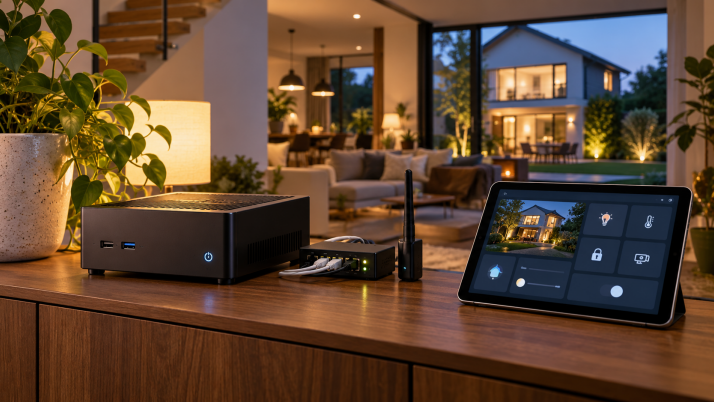
When a smart device is fully cloud-dependent, you may send more data outside than you realize. It is not just commands such as “light on”, but sometimes usage patterns, device details, error reports, status information and account data as well.
For some uses, that matters little. For others, it matters a great deal. Think of presence information, cameras, door contacts or sensors that reveal when someone is home, sleeping or moving around.
A local system often reduces that data flow considerably. Not because nothing may ever leave the home, but because an external connection is not required by default for every simple action. That is often calmer, clearer and easier to manage.
Speed and ease of use: you notice the small differences
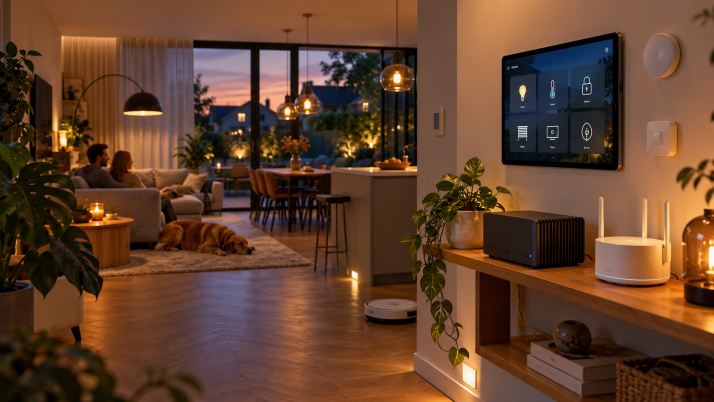
The benefit of local automation often becomes most obvious in everyday actions. A motion sensor that immediately turns on a light in the evening. A door contact that instantly shows a notice on a local screen. A switch that activates a scene without a noticeable delay.
When an action must travel out over the internet and back, it can add just enough latency to feel “smarter” on paper than in practice. Local logic often feels more immediate and natural. Local hardware, dashboards and the home network together form the engine of a robust smart home.
Reliability: smart is only smart if it still makes sense without the internet
A good smart home does not need to behave exactly as normal during an outage. That is unrealistic. External notifications, cloud voice control and remote access may reasonably disappear. But the core should continue to function logically.
Think of lighting, basic heating, ventilation control, door contacts, leak detectors, local dashboards and simple scenes. Those are precisely the parts that gain the most value from local operation.
A useful test is: “What would I absolutely want to keep using if my internet were down for two hours tonight?” Everything on that list is a good candidate for local operation.
Smart design rule: build comfort and safety functions locally as much as possible. Treat cloud functions as an additional layer: useful, but not essential to the foundation.
Which functions can reasonably stay in the cloud?
Not everything must be local at all costs. Some functions are inherently less critical or almost always cloud-based. That is fine as long as you choose consciously.
Functions that can often stay in the cloud
- Voice assistants and voice control.
- Weather data and external web services.
- Notifications away from home, push services and external dashboards.
- Some integrations with calendars, energy tariffs or online sources.
- Remote access while you are away from home.
The important thing is that these extras do not become the foundation of your home. If the hallway light will only turn on through a cloud app, you have effectively reversed the priorities.
In practice: local, cloud and hybrid
There are roughly three approaches:
| Type | Characteristics | Advantage | Disadvantage |
|---|---|---|---|
| Fully cloud-based | App and cloud server lead. | Easy to get started. | Greater dependence on the manufacturer and internet. |
| Fully local | Core runs on your own network or controller. | Fast, private and robust. | Sometimes more setup and learning. |
| Hybrid | Basics local, extras through the cloud. | Often the best balance. | Still requires thoughtful design. |
For most homes, hybrid is ultimately the wisest choice: local automation and basic functions, with cloud services only where they add real value.
Which devices and protocols work well locally?
For local operation, you normally look not only at the brand but especially at how a device integrates. Devices using Zigbee, Z-Wave, Matter or a local API are often better suited to a robust local setup than devices that exist only through a cloud app.
That does not mean Wi-Fi devices are automatically bad. It does mean checking carefully whether local control is possible and whether the device still does anything useful without the cloud.
Good candidates for local logic
- Zigbee lighting, plugs, sensors and switches.
- Local hubs or bridges that continue to work in the home.
- Home Assistant with integrations that communicate locally.
- Cameras or storage on a local recorder, NAS or NVR.
- Smart modules or relays that can perform their task without the internet.
Home Assistant and local thinking
Home Assistant is popular precisely because it is strong at local integrations and at combining many different devices into one logical whole. It is not the only system that can run locally, but it is one of the best-known platforms for bringing more control back to yourself.
Its strength lies particularly in the freedom to decide which automations run locally, which data you keep, how your dashboards look and which cloud functions you do or do not add. That makes it attractive to people who want more than “a gadget”: they want a smart home that stays logically structured in the longer term.
A realistic note: local operation takes a little more thought than installing a standalone app. But that investment often pays back in clarity, reliability and less vendor lock-in.
What still stops working during an internet outage?
Even a good local system has limits. When the internet connection fails, not every luxury feature survives. Think of cloud voice control, remote access from outside the home, some online energy or weather data, and push routes through external services.
But this is precisely the difference in design philosophy: in a well-designed local home, the outer layer disappears, not the core.
How do you move toward this without replacing everything?
You do not need to overhaul the entire home at once. In practice, a gradual approach works best.
A sensible route
- Start with functions you use every day, such as lighting and sensors.
- Choose devices that can integrate locally.
- Run your most important automations locally.
- Keep physical switches and manual controls.
- Treat cloud functions as a bonus, not the foundation.
- Occasionally test deliberately what happens when the internet goes down.
That last step is particularly revealing. Unplug the WAN cable or simulate an internet outage and see what still works. You will immediately discover whether your design makes sense in practice.
Common misconceptions
| Misconception | Why it is unhelpful | Better approach |
|---|---|---|
| “Local is only for technical people.” | You remain stuck with fully cloud-dependent choices. | Start locally with the basic functions. |
| “If the app works, it is good enough.” | The app tells you nothing about outages or what happens after a few years. | Consider the long term and your dependencies. |
| “Everything must be 100% offline.” | That is unnecessarily strict for most homes. | Choose a deliberate hybrid balance. |
| “Remote access matters most.” | In-home functionality then becomes secondary. | Make home functionality robust first. |
A practical checklist for your home
Want to see how your current smart home fares? Ask yourself:
- Does the most important lighting still work without the internet?
- Can you operate basic functions locally through a dashboard or physical button?
- Do your most important automations run in the home or in the cloud?
- Are sensors, plugs and switches usable without the manufacturer’s app?
- Do you use the cloud only for extra convenience, or is it the foundation?
- Is there a local platform or bridge that brings everything together?
A useful rule of thumb: anything that directly affects comfort, safety or everyday use should ideally be able to work locally. Anything that is purely an extra convenience may reasonably depend more on the internet.
Conclusion
An internet outage reveals very clearly how your smart home is actually built. In a cloud-dependent home, more may stop working than you would like. In a locally designed home, mainly the outer layer disappears while the core continues to operate logically.
That is what makes local operation appealing. Not because the cloud is bad by definition, but because local automation gives you more control over privacy, speed and reliability. Those three qualities make the difference between a house full of gadgets and a home that genuinely feels smart.
For most people the best approach is not extreme but sensible: build the foundation locally, retain manual fallbacks, and use cloud functions only where they add genuine value.
Short advice: where should you begin? First make your key lighting, sensors and basic automations robust locally. That often delivers the most immediate benefit.
Useful follow-up articles include: a smart home without the cloud, Home Assistant for beginners, securing smart devices on your network, and building a reliable Zigbee network.