
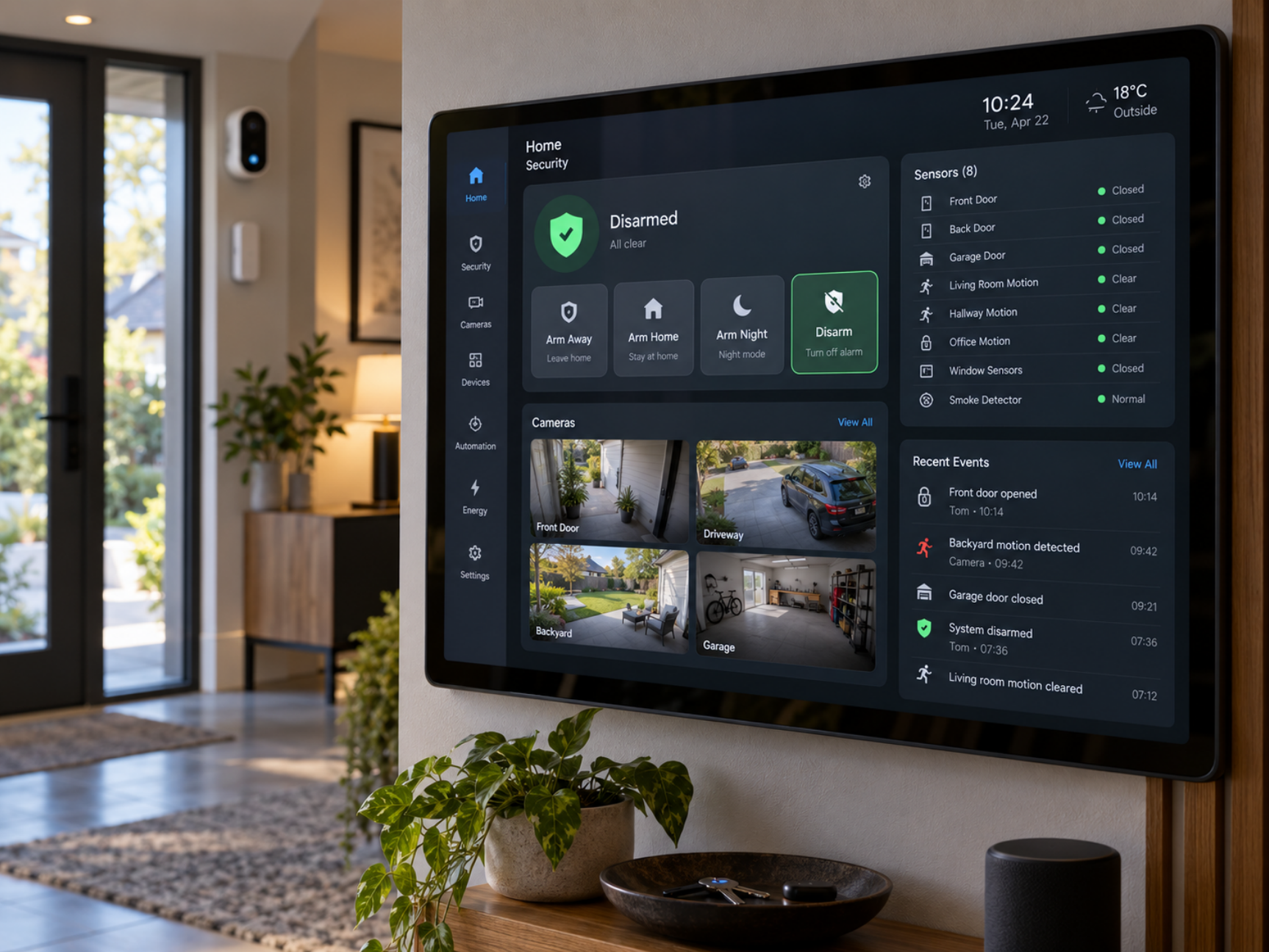
Part 1 on home security, Alarmo and privacy explained the architecture. This follow-up turns it into practical flows: states, events, arming, notifications, cameras, MQTT, maintenance and acceptance tests. Replace example entities, notification services, codes and cameras with your own. Test without a live siren or external response first.
Build around the Alarmo state
Home Assistant connects devices; Alarmo decides whether the alarm is disarmed, arming, armed_away, armed_home, armed_night, armed_vacation, armed_custom_bypass, pending or triggered. Sensors supply facts; automations respond to a state. A door contact may start an entry delay in Away but trigger immediately in another area. Do not connect every contact directly to the siren.
Use explicit state triggers on alarm_control_panel.alarmo. Keep cameras and the NVR as a verification layer. Automatic arming needs conservative conditions; never automatically disarm based only on GPS or phone presence. Force Arm must be a deliberate action, not a silent fallback.
Arming, delays and ready-to-arm
Alarmo actions alarmo.arm, alarmo.disarm and alarmo.skip_delay provide options such as mode, skip_delay and force. Generic alarm_control_panel.* actions remain useful for simple integrations. Normal Away arming without bypass looks like this:
actions:
  - action: alarmo.arm
    data:
      entity_id: alarm_control_panel.alarmo
      mode: away
      skip_delay: false
      force: false
Do not hard-code PINs in shared blueprints or screenshots. If Alarmo requires a code, use secure input or secrets as appropriate for your setup. force: true deliberately bypasses blocking sensors and belongs behind an explicit user choice.
alarmo.disarm takes entity_id and, if required, code; alarmo.skip_delay skips the remaining arming or pending delay for that entity. Unlike the normal command above, a deliberate Force Arm looks like this:
actions:
  - action: alarmo.arm
    data:
      entity_id: alarm_control_panel.alarmo
      mode: away
      force: true
Alarmo publishes alarmo_ready_to_arm_modes_updated. It can drive a trigger-based binary sensor for Away, for example. Treat unknown or an event that has not arrived as not ready:
template:
  - triggers:
      - trigger: event
        event_type: alarmo_ready_to_arm_modes_updated
        event_data:
          entity_id: alarm_control_panel.alarmo
    binary_sensor:
      - name: "Alarmo Ready Away"
        unique_id: alarmo_ready_away
        state: "{{ trigger.event.data.armed_away | default(false) }}"
        icon: mdi:shield-home
      - name: "Alarmo Ready Home"
        unique_id: alarmo_ready_home
        state: "{{ trigger.event.data.armed_home | default(false) }}"
        icon: mdi:shield-home-outline
      - name: "Alarmo Ready Night"
        unique_id: alarmo_ready_night
        state: "{{ trigger.event.data.armed_night | default(false) }}"
        icon: mdi:shield-moon
Show this status beside the Alarmo card. When an open sensor blocks arming, Alarmo publishes alarmo_failed_to_arm with a reason and affected sensors where available. Report the cause; do not force-arm automatically. Alarmo's built-in actionable notifications can offer ALARMO_RETRY_ARM and ALARMO_FORCE_ARM. Retry is appropriate after closing a window; Force Arm needs a visible choice and record.
A concrete failure notification can carry the event details:
alias: Alarmo - report failed arming
triggers:
  - trigger: event
    event_type: alarmo_failed_to_arm
conditions:
  - condition: template
    value_template: >-
      {{ trigger.event.data.entity_id | default('alarm_control_panel.alarmo')
         == 'alarm_control_panel.alarmo' }}
actions:
  - variables:
      reason: "{{ trigger.event.data.reason | default('unknown') }}"
      sensors: "{{ trigger.event.data.sensors | default([]) }}"
  - action: notify.mobile_app_iphone
    data:
      title: "Alarmo could not arm"
      message: >-
        Reason: {{ reason }}. Sensors: {{ sensors | join(', ') }}
mode: queued
Use the built-in actions in Alarmo's notification editor: Retry after the issue is fixed, Force Arm only when the person understands the bypass. In multi-area setups these actions work on Alarm Master according to the source documentation.
data:
  title: "Alarmo cannot arm"
  message: "Check the open sensor(s)."
  data:
    actions:
      - action: ALARMO_RETRY_ARM
        title: "Try again"
      - action: ALARMO_FORCE_ARM
        title: "Force Arm"
Practical household flows
For automatic Away arming, all relevant residents must demonstrably be away for ten minutes, the alarm must be disarmed, and Ready Away must be on. Only then use alarmo.arm with force: false. An inaccurate geofence must never disarm the system on its own; use a PIN, keypad or another strong step.
alias: Alarmo - arm Away after 10 minutes of empty home
triggers:
  - trigger: template
    value_template: >-
      {{ is_state('person.dennis', 'not_home')
         and is_state('person.minke', 'not_home') }}
    for: "00:10:00"
conditions:
  - condition: state
    entity_id: alarm_control_panel.alarmo
    state: disarmed
  - condition: state
    entity_id: binary_sensor.alarmo_ready_away
    state: "on"
actions:
  - action: alarmo.arm
    data:
      entity_id: alarm_control_panel.alarmo
      mode: away
      force: false
mode: single
Night protects the perimeter while residents are home. A time such as 23:30 is only one condition: also check presence, binary_sensor.alarmo_ready_night and, for instance, ten minutes without living-room motion. If arming fails, send a calm notification with the reason. Vacation mode can drive varied lighting in several rooms; vary delays and brightness and recheck that Alarmo remains armed_vacation after long delays.
alias: Alarmo - arm Night when the home is quiet
triggers:
  - trigger: time
    at: "23:30:00"
conditions:
  - condition: state
    entity_id: alarm_control_panel.alarmo
    state: disarmed
  - condition: state
    entity_id: person.dennis
    state: home
  - condition: state
    entity_id: person.minke
    state: home
  - condition: state
    entity_id: binary_sensor.alarmo_ready_night
    state: "on"
  - condition: state
    entity_id: binary_sensor.woonkamer_beweging
    state: "off"
    for: "00:10:00"
actions:
  - action: alarmo.arm
    data:
      entity_id: alarm_control_panel.alarmo
      mode: night
      skip_delay: false
mode: single
Do not let this flow silently fail when ready_night is off: send a calm message such as “Night alarm was not armed — back door is still open”.
Pending is not triggered
The pending state starts the entry delay. Use it for hall lights, a notification or TTS, not the loud siren. Only triggered starts the central response: siren, alarm lighting, snapshot and push message. One clear triggered flow is easier to test than ten independent sensor automations.
alias: Alarmo - entry experience
triggers:
  - trigger: state
    entity_id: alarm_control_panel.alarmo
    to: pending
actions:
  - action: light.turn_on
    target:
      entity_id:
        - light.hal
        - light.entree
  - action: notify.mobile_app_iphone
    data:
      title: "Alarm entry delay"
      message: "Alarmo is waiting for a valid disarm."
  - action: tts.speak
    target:
      entity_id: tts.home_assistant_cloud
    data:
      media_player_entity_id: media_player.hal
      message: "Alarm is active. Disarm the system."
mode: restart
alias: Alarmo - central alarm response
triggers:
  - trigger: state
    entity_id: alarm_control_panel.alarmo
    to: triggered
actions:
  - action: switch.turn_on
    target:
      entity_id: switch.binnensirene
  - action: scene.turn_on
    target:
      entity_id: scene.alarm_verlichting
  - action: camera.snapshot
    data:
      entity_id: camera.voordeur
      filename: /media/alarm/voordeur_{{ now().strftime('%Y%m%d_%H%M%S') }}.jpg
  - action: persistent_notification.create
    data:
      title: "Alarm activated"
      message: "Alarmo triggered at {{ now().strftime('%H:%M:%S') }}."
  - action: notify.mobile_app_iphone
    data:
      title: "ALARM"
      message: "Alarmo was triggered. Check cameras and sensors."
mode: single
Make /media/alarm/ available first and test write access. Platform-specific critical notifications and action buttons are extensions, not prerequisites for basic response. A camera/NVR event may select a useful recording, but AI person detection should not be the sole condition that disables physical-sensor alerts.
Robust verification combines door/window contacts, perhaps PIR in an interior area, NVR/person detection for camera selection and a snapshot or clip after triggered. Classification enriches the notification but must not silently disable the entire alarm:
alias: Alarmo - select camera on trigger
triggers:
  - trigger: state
    entity_id: alarm_control_panel.alarmo
    to: triggered
actions:
  - choose:
      - conditions:
          - condition: state
            entity_id: binary_sensor.oprit_person_occupancy
            state: "on"
        sequence:
          - action: camera.snapshot
            data:
              entity_id: camera.oprit
              filename: /media/alarm/oprit.jpg
      - conditions:
          - condition: state
            entity_id: binary_sensor.achtertuin_person_occupancy
            state: "on"
        sequence:
          - action: camera.snapshot
            data:
              entity_id: camera.achtertuin
              filename: /media/alarm/achtertuin.jpg
mode: single
Multiple areas and MQTT
Alarmo areas can arm the house, garage and shed independently. Use them only where the zones really need different rules or delays; Alarm Master gives a central status. According to the project documentation, built-in Alarmo actionable notifications operate on the master in a multi-area setup because the action carries no area information.
For example, use Away/Home/Night for the house, armed_home for the garage even while people are home, and arm the shed independently, perhaps without an entry delay. Design area-specific custom notifications explicitly if the built-in master action is insufficient.
An external keypad or wall panel can use MQTT. State topic alarmo/state is output and may be retained; command topic alarmo/command is input and must not be retained. Limit each device's broker permissions to the required topics. When a code is required, an example payload is {"command":"ARM_AWAY","code":"<your-code>"}. Never put real codes in articles, screenshots or logs, and do not expose MQTT without authentication and segmentation.
The default event topic is alarmo/event; all three topics are configurable. Treat the command topic as a security interface, not an unrestricted message bus.
Vacation: simulate presence
alias: Vacation - simulate living room
triggers:
  - trigger: sun
    event: sunset
conditions:
  - condition: state
    entity_id: alarm_control_panel.alarmo
    state: armed_vacation
actions:
  - delay:
      minutes: "{{ range(8, 36) | random }}"
  - action: light.turn_on
    target:
      entity_id: light.woonkamer
    data:
      brightness_pct: "{{ range(35, 71) | random }}"
  - delay:
      minutes: "{{ range(45, 121) | random }}"
  - action: light.turn_off
    target:
      entity_id: light.woonkamer
mode: single
Separate, understandable flows for a kitchen, upstairs room or blinds are preferable to one script that randomizes everything. The initial condition prevents new runs outside Vacation; long scripts must also recheck between delays that the mode is still active.
Recovery, maintenance and logging
Alarmo may restore its previous state after a Home Assistant restart, but protection is not continuous while Home Assistant is down. Consider a UPS for the host, router, switches and NVR; monitor Zigbee, the local siren and storage. Check critical unavailable/unknown sensors and batteries daily. Schedule maintenance when residents are home and the alarm is disarmed.
alias: Alarmo - notify after Home Assistant start
triggers:
  - trigger: homeassistant
    event: start
actions:
  - delay: "00:00:20"
  - action: notify.mobile_app_iphone
    data:
      title: "Home Assistant restarted"
      message: >-
        Alarmo state: {{ states('alarm_control_panel.alarmo') }}.
        Check critical sensors if the system should be armed.
mode: single
Test what really happens during and after a restart. For critical sensors, a daily check can be:
alias: Alarm - daily unavailable check
triggers:
  - trigger: time
    at: "09:00:00"
actions:
  - variables:
      critical: >-
        {{ expand(
          'binary_sensor.voordeur_contact',
          'binary_sensor.achterdeur_contact',
          'binary_sensor.schuur_contact',
          'binary_sensor.garage_beweging'
        ) | selectattr('state', 'in', ['unavailable','unknown'])
          | map(attribute='entity_id') | list }}
  - if:
      - condition: template
        value_template: "{{ critical | count > 0 }}"
    then:
      - action: notify.mobile_app_iphone
        data:
          title: "Alarm check"
          message: "Unavailable: {{ critical | join(', ') }}"
mode: single
Check batteries through their battery sensors or a suitable notification blueprint as part of routine maintenance.
Logbook and Recorder support an audit trail. Events such as alarmo_command_success and alarmo_failed_to_arm make successful and failed actions traceable. Record who armed or disarmed where available, which sensor triggered, and when pending became triggered. Choose retention periods deliberately for presence history, camera footage and logs.
alias: Alarmo - log successful commands
triggers:
  - trigger: event
    event_type: alarmo_command_success
actions:
  - action: logbook.log
    data:
      name: Alarmo audit
      message: >-
        Action={{ trigger.event.data.action }};
        mode={{ trigger.event.data.arm_mode | default('-') }};
        delay={{ trigger.event.data.delay | default(0) }}s
mode: queued
Test the whole system
Start with silent tests and record what actually happens in each scenario:
| Scenario | Expected behaviour |
|---|---|
| Away with everything closed | Exit delay followed by armed_away. |
| Away with a window open | failed_to_arm and a clear notification. |
| Retry after closing it or deliberate Force Arm | Normal arming or a visibly bypassed sensor, respectively. |
| Front door in Away | pending, followed by disarm or triggered. |
| Back door without a delay | Immediate triggered. |
| Home Assistant restart while armed | State is restored; then check the sensors. |
| Internet outage, unavailable Zigbee sensor and UPS test | Local core flow continues; faults are reported; critical equipment stays powered. |
Change only one setting after a failed test.
For production use, the acceptance criteria also include conservative ready-to-arm defaults, explicit Force Arm, distinct pending/triggered responses, a non-retained MQTT command topic, limited broker permissions, UPS/restart/unavailable tests and an agreed retention policy. Camera/NVR remains verification; automatic disarming based only on GPS or Wi-Fi presence remains disabled. The source guide additionally cites the Template integration and Companion actionable notifications and dates its documentation context to October 2026.
The technical chain stays simple: sensors provide facts → Alarmo determines state → automations respond → residents receive context. Check the current Alarmo project documentation and Home Assistant automation documentation before implementation; events and actions may change.