
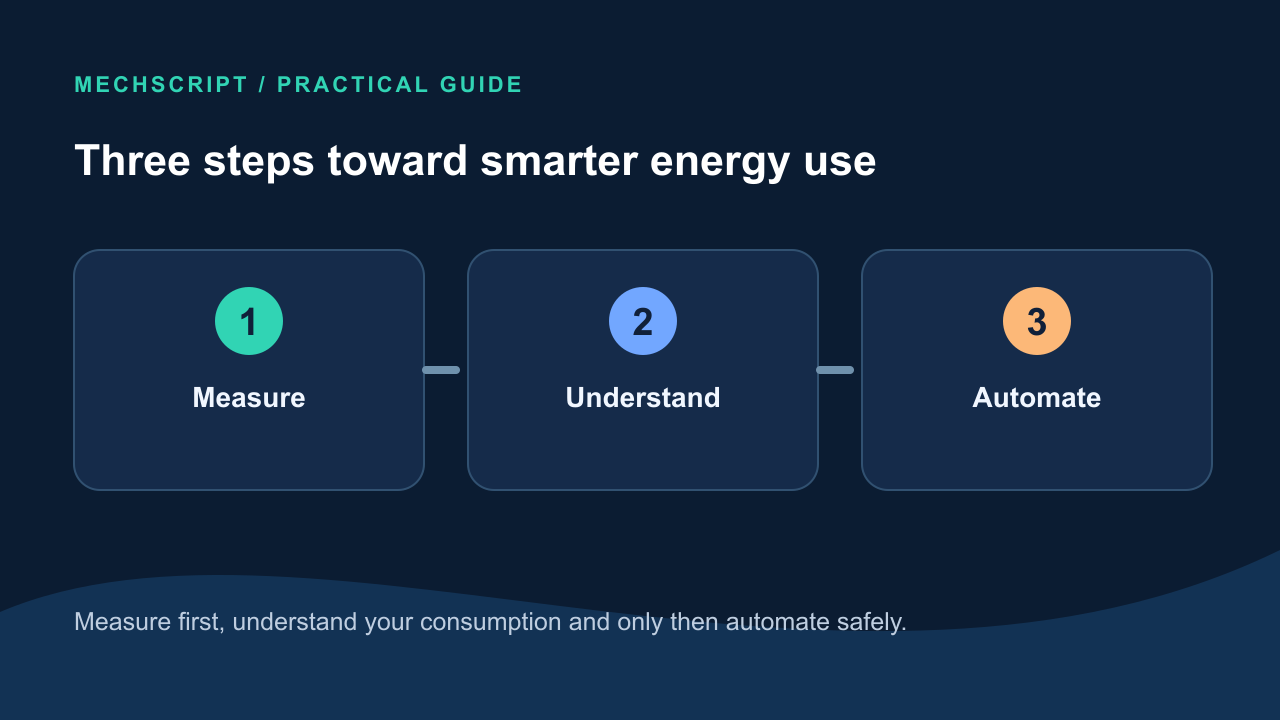
Home Assistant does not make energy cheaper. It helps you see where electricity goes and which appliances can run at a better time. You do not need to rebuild your electrical cabinet to begin: one energy-monitoring smart plug can already teach you a lot.
Measure first, then understand
Watts (W) describe power right now; kilowatt-hours (kWh) describe energy over time. A kettle draws a lot of power briefly. A device with a small continuous draw can still use substantial energy across a whole day. Look beyond peaks to total kWh.
Think of a tap: watts are roughly how fast water is flowing now; kWh are how much water has accumulated in the bucket. Measurements reveal when consumption rises or falls, help compare appliances, expose standby draw and show whether an automation genuinely helps. With solar panels, they also show when generation exceeds household use. The order is measure → understand → only then automate.
Home Assistant collects readings from sources such as a smart plug, a P1 reader or an inverter. Its Energy dashboard can display consumption, generation and export together. A single measurement point can reveal patterns; twenty sensors you do not understand are less useful.
Start at a level that suits you
| Level | Measurements | What you can see |
|---|---|---|
| Simple | One energy-monitoring smart plug | Consumption of one appliance. |
| Basic | P1 reader or another grid meter | Total household use and often export. |
| Extended | Grid meter, solar panels and several plugs | Where energy comes from and where it goes. |
A P1 reader can report current import and export from many Dutch smart meters. Many inverters can send their production figures to Home Assistant. For a smart plug, always check that the model is suitable for the connected appliance's maximum power and type of load.
A single plug could monitor a TV setup, coffee maker, refrigerator or washing machine with a normal plug. A P1/grid meter shows whole-house behaviour: a sudden rise of, say, 2,000 W suggests that a substantial load has started. Combined with live solar generation, it shows whether you are importing or exporting at that moment. One trustworthy measurement you understand beats a complicated dashboard you never use.
Standby draw and major consumers
Measure devices that stay on around the clock, such as AV equipment, chargers and power supplies. Not every standby load is waste: a router must keep running, and some appliances must keep cooling, pumping or shutting down safely. Do not blindly turn things off because they use a few watts.
Check TVs, games consoles and receivers in standby; power adapters that remain plugged in; and appliances with displays, networking or heating while idle. An illustrative wattage is not evidence about your home: measure the real idle load and separate essential background consumption from avoidable use.
Major loads are often heating, hot water, drying, cooking and EV charging. Review a daily or weekly graph; you can start one appliance and see how the total changes. An appliance drawing 2,000 W for five minutes may consume fewer kWh than one drawing 200 W all day. Prioritize consumption that is both large and controllable.
Electric boilers, heat pumps and supplementary heating may run for long periods. Water heating is a major part of a wash cycle; a dryer can consume much more per cycle. Ovens, induction hobs and kettles often draw high power briefly. A car charger can draw significant power for hours. Consider both power and duration, then total kWh. A refrigerator must keep cooling, while a dishwasher, boiler or car often offers more scheduling flexibility.
Use solar surplus and favorable hours
Solar surplus exists when the panels produce more than the home currently uses. It can signal a suitable boiler to heat a little more, an EV to charge or an appliance that can safely start remotely to run at a good time. With a dynamic tariff, the hourly price can be another input. Let a refrigerator follow its own thermostat.
A home battery or another flexible load may also fit. A washing machine or dishwasher should start automatically only if the appliance supports it safely and it makes sense in your home. Under a dynamic tariff, prices can change hourly: a flexible appliance can wait within a chosen window for a cheaper or sunnier time.
| Appliance | Flexibility | Cautious idea |
|---|---|---|
| Dishwasher | Often | Run in a chosen time window at a favourable moment. |
| Washing machine | Sometimes | Auto-start only if safe and practical. |
| Boiler | Often partly | Heat within comfortable temperature bounds. |
| Electric car | Usually good | Charge in cheaper hours or with solar surplus. |
| Refrigerator | Little to none | Let its own thermostat control it. |
Do not switch a load with every passing cloud. Add a margin, a delay and, if needed, a minimum run time. For example, wait five minutes before switching on when surplus is sufficient. Comfort, safe temperature limits and the appliance's own requirements matter more than the lowest price.
One automation in plain language
An automation has a trigger, conditions, an action and a stop condition. Imagine at least 1,200 W of solar surplus for ten minutes, with the washing machine ready and the time appropriate. Start with a notification: “Now is a good time to run the washing machine.” That tests the logic without immediately switching the machine automatically.
Another example: the trigger is more than 1,000 W of surplus; conditions are 10:00–17:00 and a boiler that still needs heat; the action enables a suitable boiler control or sends an alert. Include the return path: stop when surplus has been absent for a while or the target is met. Delay and margin avoid unnecessary starts and stops from short peaks or a passing cloud.
A safe starting plan
- Make sure Home Assistant is stable.
- Add one reliable energy source.
- Review graphs for a few days and look for patterns.
- Measure one load you suspect is large or unnecessary.
- Only then create one simple notification or automation.
A useful first-week project is to place a suitable energy-monitoring plug on one frequently used appliance and collect seven days of readings. Compare idle power, peaks and total energy. Only then decide whether switching or shifting it is worthwhile. Success is not the greatest number of automations, but understanding consumption and letting a few useful things happen reliably.
Do not use a cheap plug on a heavy load without checking its specifications. Do not hard-switch a heat pump, compressor or permanently wired appliance if it was not designed for that. Permanently wired equipment, charging installations and electrical-cabinet work require suitable materials and, where necessary, a qualified installer. Home Assistant can supply the logic; electrical protection is separate.
Other pitfalls include trying to measure everything at once, writing controls without minimum run times, delays or fallback behaviour, looking only at watts instead of daily or monthly kWh, and chasing tiny savings while a flexible major load matters more. The biggest benefit is insight: patterns become visible and flexible demand can be moved deliberately. Measure one thing, understand it, improve it, then move on.
Images and figures in the source guide are illustrative, not measurements from a real home. Measure your own equipment. Further reading: Home Assistant Energy, Utility Meter and Automations.