
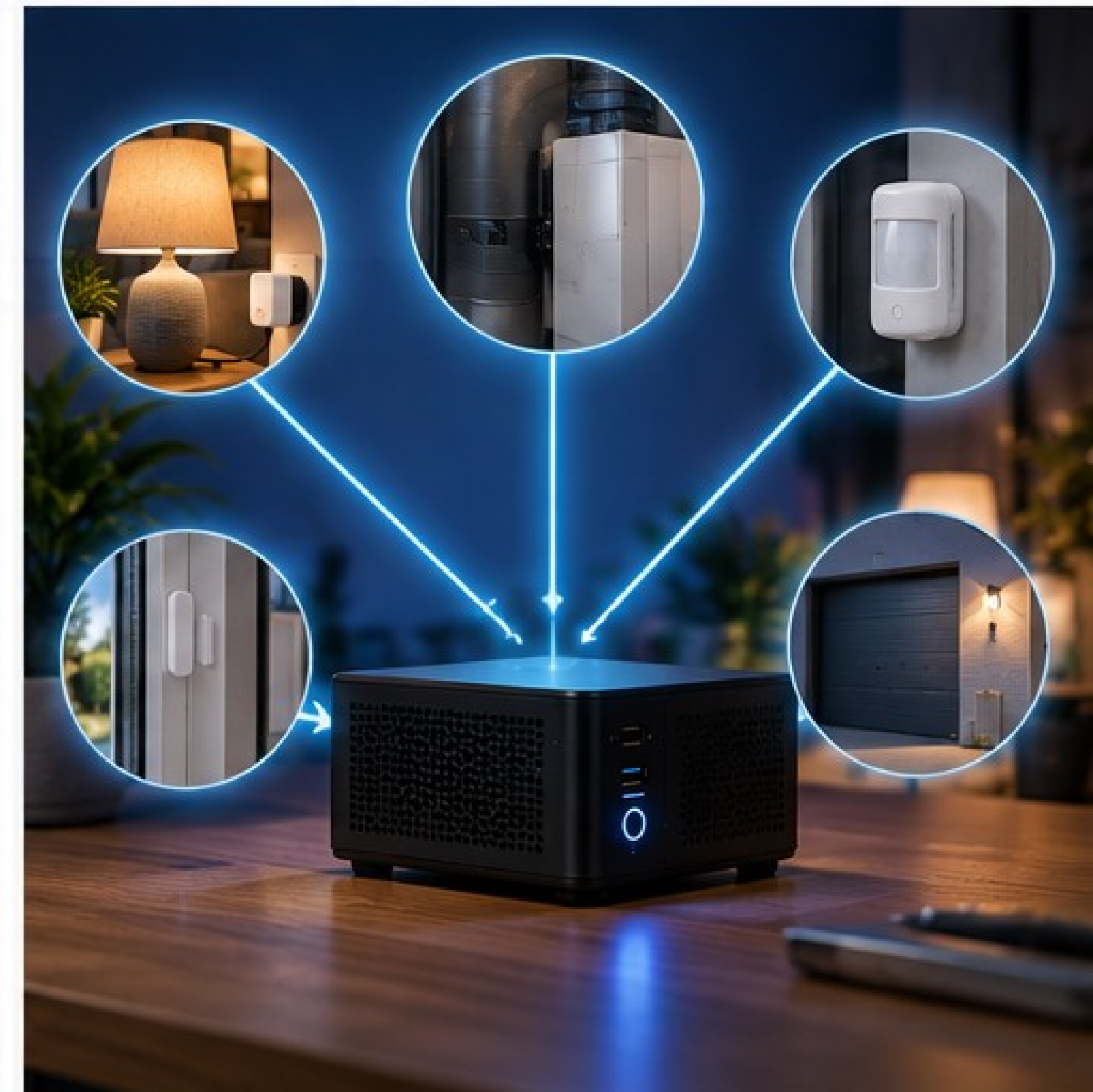
An old lamp, fan, pump or doorbell may still work perfectly but have no connection to your smart home. Replacing it is not always necessary. A smart intermediary or a simple sensor is often enough. Start with the least invasive solution that solves the problem.
Three levels of smart retrofit
A smart plug switches a plug-in appliance without opening it and can measure consumption. A smart relay can retain existing physical control and be added to a suitable installation or external control input. With ESPHome, you can build a low-voltage sensor or controller around an ESP32. It offers the most freedom, but also requires the most design work.
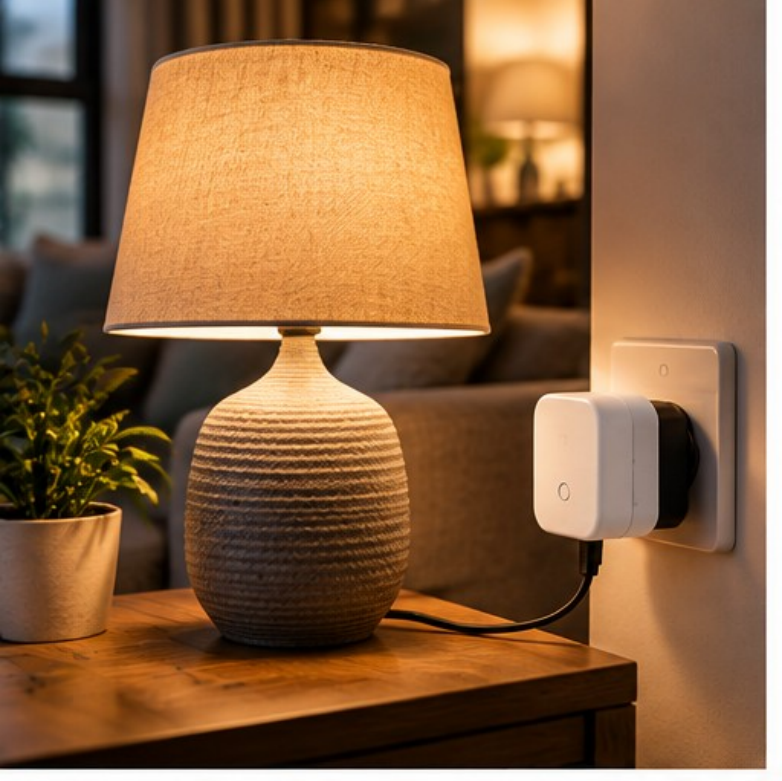
Smart plugs: measure first, switch later
A plug suits an appliance that resumes its expected operation when power returns. Check its continuous power and current ratings, load type and local-control options. Motors and pumps are harder on contacts than a simple lamp. An appliance with an electronic start button may remain off after a power interruption.
Energy monitoring can distinguish active, standby and finished states. For a washing machine, a finished-cycle notification is usually more useful and safer than cutting mains power during a program.
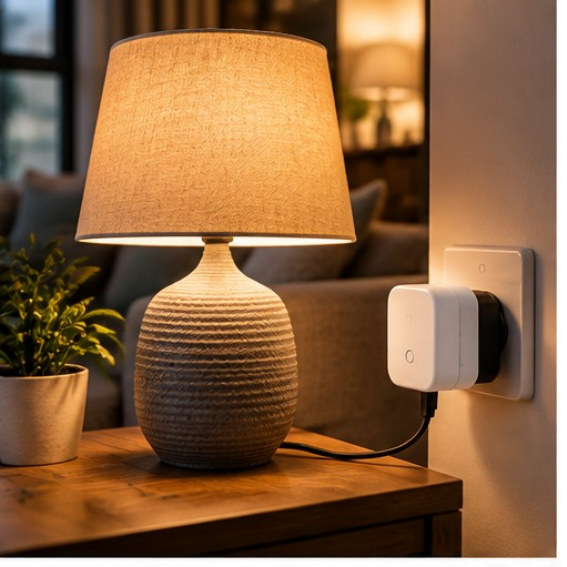
Relays: keep the physical controls
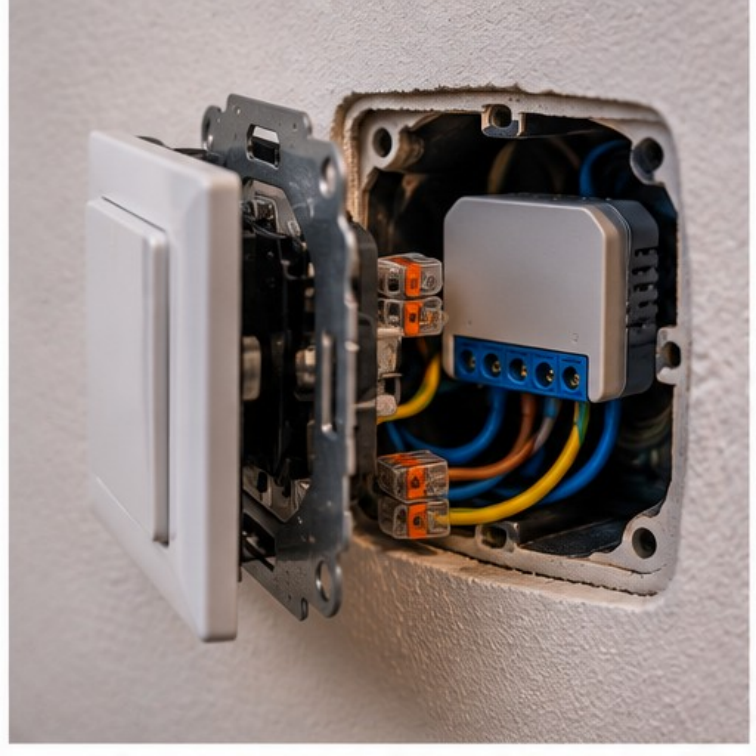
A relay behind a wall switch or beside an appliance can keep the usual button functional. Some relays switch mains voltage; a dry contact instead behaves like an independent switch for an input designed for it. With such a contact, COM is common, NO is open at rest and NC is closed at rest. A dry-contact input on a boiler, ventilation unit or garage door is not its power connection. Use only the input permitted by the manufacturer; leave safety circuits and interlocks intact.
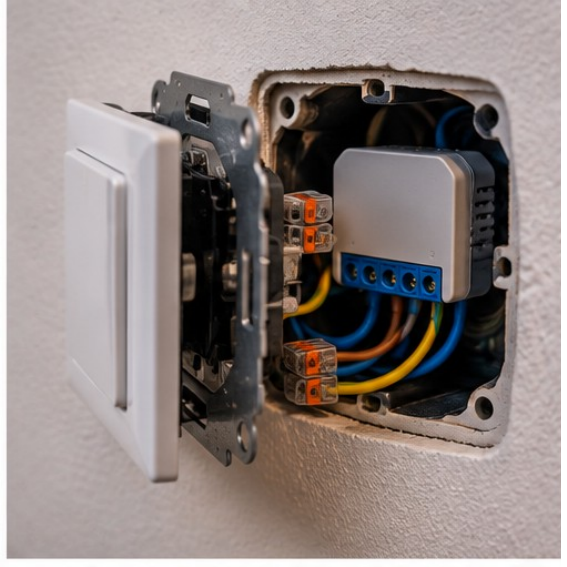
| Terminal | Operation |
|---|---|
| COM | Common contact. |
| NO | Normally Open: open at rest, closes when activated. |
| NC | Normally Closed: closed at rest, opens when activated. |
230 V mains work is not a hobby task. Use a suitable certified module and account for a neutral conductor, mounting space, strain relief, heat and separation from low voltage. Motors and LED drivers can have high inrush currents. Never bypass fuses, residual-current devices or thermal protection. Have a qualified installer handle mains work if there is any doubt.
ESPHome: build low-voltage sensing and control
ESPHome can turn an ESP32 into a device whose sensors and outputs appear as entities in Home Assistant. It supports temperature, humidity and pressure sensors, reed contacts, PIR/mmWave detection, pulse counters, displays and buttons. After initial installation, updates can usually be sent over the air; the native API provides local communication.
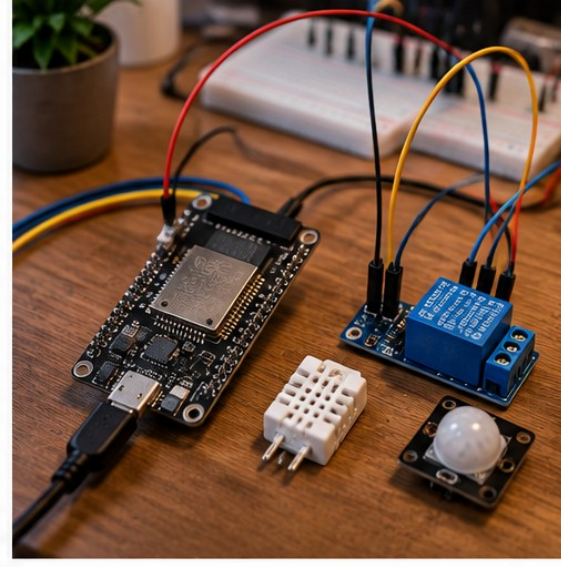
This example combines a reed contact with a low-voltage relay. GPIO pins depend on the board: always check its pinout.
esphome:
  name: old-appliance-controller
esp32:
  board: esp32dev
wifi:
  ssid: !secret wifi_ssid
  password: !secret wifi_password
api:
  encryption:
    key: !secret esphome_api_key
ota:
  - platform: esphome
binary_sensor:
  - platform: gpio
    name: "Limit contact"
    pin:
      number: GPIO27
      mode:
        input: true
        pullup: true
      inverted: true
switch:
  - platform: gpio
    name: "Low-voltage relay"
    pin: GPIO26
    restore_mode: ALWAYS_OFF
restore_mode: ALWAYS_OFF prevents the output from turning on automatically after a restart. Predictable startup matters more than convenience for pumps and motors.
Measuring can matter more than switching
A reed contact reports open or closed; a DS18B20 measures temperature; a BME280 combines temperature, humidity and air pressure. PIR detects movement, not guaranteed presence of someone sitting still. A light sensor helps with lighting or blinds. Energy monitoring shows whether an old appliance is running or consuming unexpectedly much power.
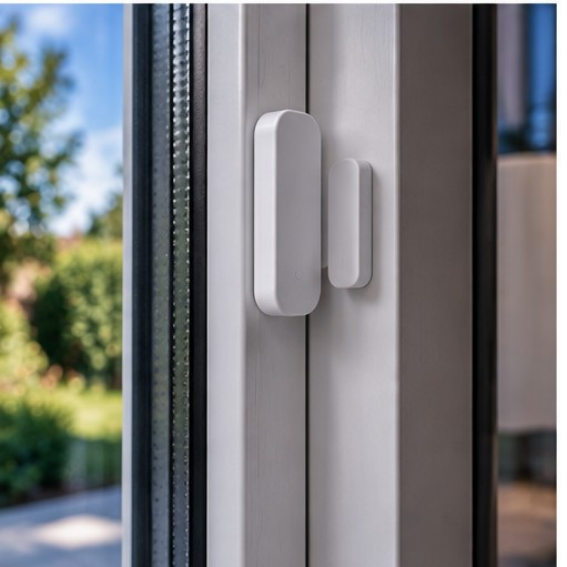
Practical retrofits include a garage door with a dry-contact pulse and a reed contact for feedback, a utility room with a temperature or leak sensor, or a ventilation unit using a supported external input. Do not only send a command: verify the actual state where it matters.
| Existing appliance | Smart addition | Possible result |
|---|---|---|
| Table lamp | Smart plug | On/off, schedule and presence-based control. |
| Old fan | Smart plug or suitable relay | Switch by temperature or humidity. |
| Garage door | Dry-contact relay plus reed contact | Control pulse and confirmation that the door really closed. |
| Utility room | ESP32 plus temperature or leak sensor | Alert on excess temperature or water on the floor. |
| Old doorbell | Binary input or ESPHome | Detect the existing button and send a Home Assistant notification. |
| Ventilation unit | Supported external input only | Choose a level by humidity or CO₂ without bypassing safeguards. |
| Boiler or pump | Measurement plus suitable control input | Run during cheaper electricity or solar surplus, within safe temperature limits. |
Reliability and a first project
Choose fail-safe startup, physical controls, feedback, debounce for mechanical contacts and clear entity names. Store Wi-Fi and API credentials in ESPHome secrets, and keep physical access for recovery after a failed OTA update. Let ESPHome handle hardware and basic local safety; Home Assistant can combine house-wide context such as time, presence and energy prices. Add hysteresis, an off condition and, if needed, a minimum run time to a real automation.
A simple Home Assistant automation can switch on the old fan when the utility room rises above 28 °C:
alias: Switch old fan automatically
trigger:
  - platform: numeric_state
    entity_id: sensor.utility_room_temperature
    above: 28
action:
  - service: switch.turn_on
    target:
      entity_id: switch.old_fan
mode: restart
This demonstrates only switching on. Without a separate off condition, hysteresis and perhaps a minimum run time, it is not a complete control scheme.
Start with an energy-monitoring smart plug: in about half an hour you can learn to measure, switch and automate. The second level is an ESP32 with a reed contact or temperature/humidity sensor. Only then add a suitable relay while preserving the physical switch. A fourth, advanced level is a retrofit controller combining several sensors, feedback and a relay around one old appliance. The goal is not to label as many appliances as possible smart, but to keep useful equipment working longer, gain information and add functions the original installation lacked.
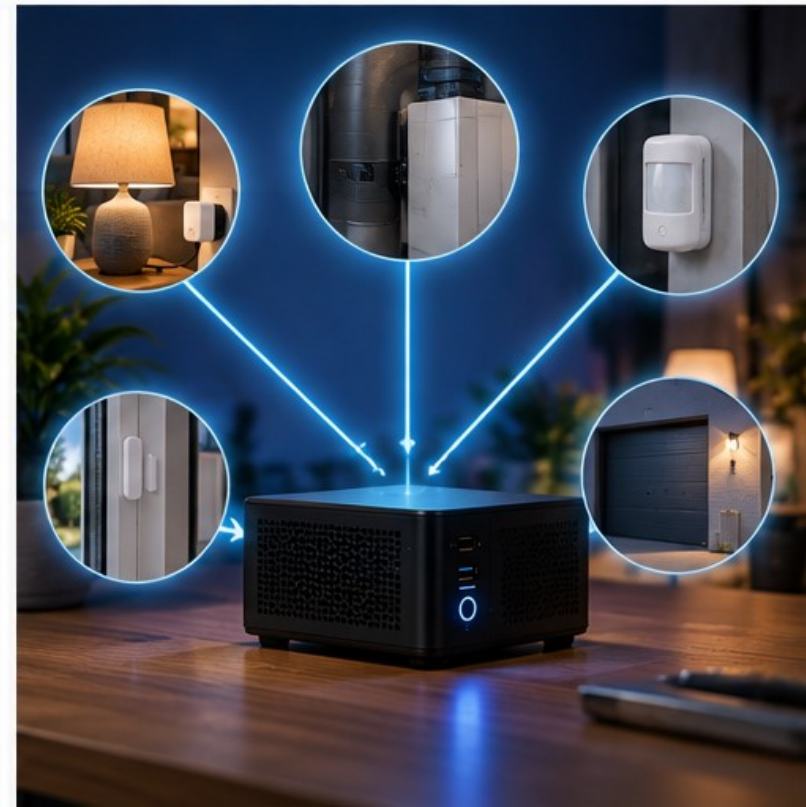
Further reading: ESPHome Getting Started, Home Assistant ESPHome integration and ESPHome components.