
These four smart-home platforms are not versions of the same product. They emphasise different things: freedom, ease of use, local processing, voice control and the devices you already own. This is not a contest: the best choice is the system your household will actually use.
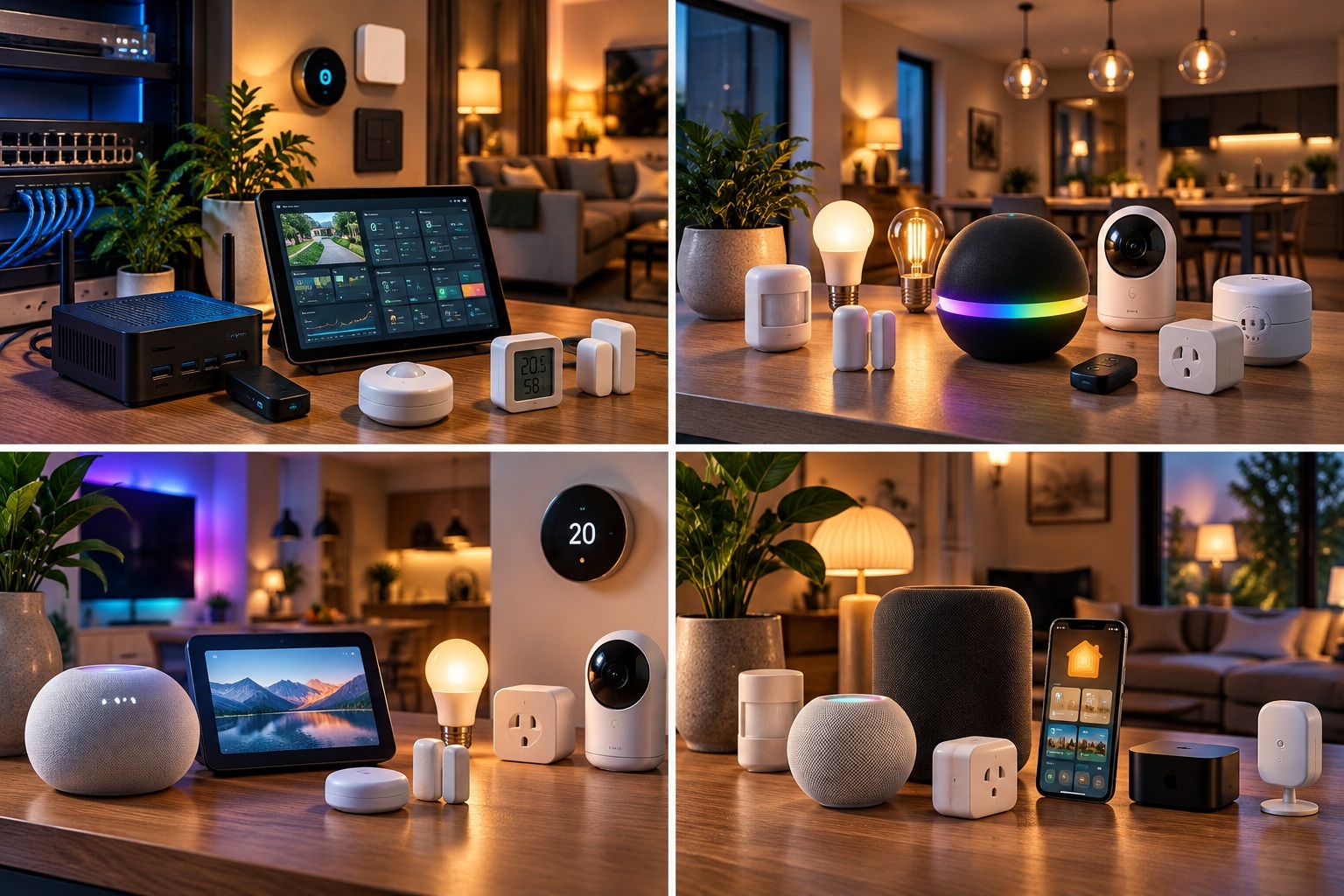
1. Four platforms, four approaches
| Platform | Core idea | Often suits |
|---|---|---|
| Home Assistant | Self-hosted, highly flexible and strongly focused on local control | People who want to combine brands and manage the system themselves. |
| Homey | Complete hub with visual Flow automation | People who want many options without building a platform themselves. |
| Google Home | Simple app, voice control and Google/Nest integration | People starting quickly with existing Google or Android devices. |
| Apple Home | Simple, privacy-focused control in the Apple ecosystem | Households with iPhone, HomePod or Apple TV. |
Matter can make a compatible device available in multiple ecosystems. Apps, dashboards and automations remain different on each platform.
2. Home Assistant: maximum control
Home Assistant is free, open source and runs on hardware in your own home. It has more than 1,500 integrations, supports protocols such as Zigbee, Z-Wave, Matter and Thread with suitable adapters, and offers extensive automations, dashboards and energy management. No software subscription is required for the local basics. Home Assistant Cloud is an optional paid service for simpler remote access and voice services, among other things.
That freedom comes with maintenance: you manage hardware, updates and backups. The many options can feel overwhelming at first, and cloud-only devices still depend on their manufacturer. Home Assistant suits you if you enjoy learning, combine brands and value local operation or privacy.
3. Homey: broad capability in a ready-made hub
Homey Pro processes local smart-home functions on the hub and can keep local tasks running without internet. The hub combines Zigbee, Z-Wave, Thread/Matter, Bluetooth, 433 MHz and infrared, among other radios. Flow makes simple rules accessible; Advanced Flow offers more complex visual logic. Homey Apps, Energy, Insights and dashboards extend the system.
The trade-off is a substantial one-time hardware purchase and a more defined Apps-and-Flow structure. Cloud services and third-party devices may still need internet. Homey has several variants, including Cloud, Pro mini, Pro and Self-Hosted Server; the local-operation comparison here mainly concerns Homey Pro. The supplied guide recorded Dutch prices on 1 October 2026 of €449 for Homey Pro and €279 for Homey Pro mini. These are historical snapshots, not current price promises.
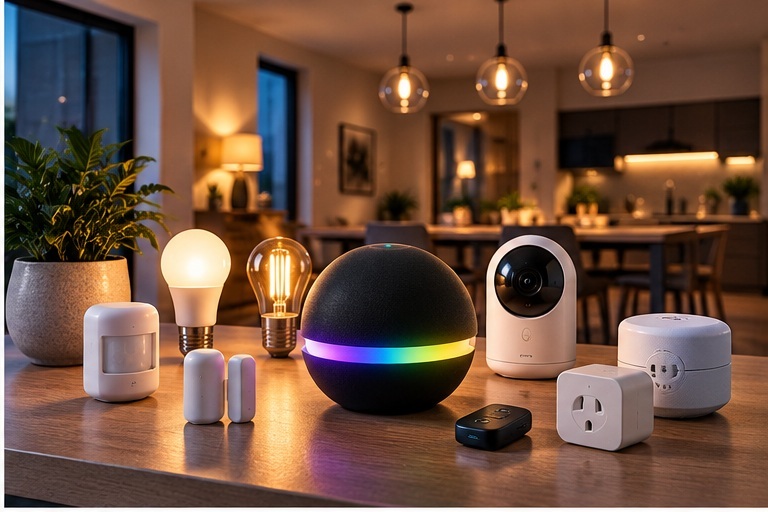
Homey suits you if you want to combine many devices and protocols but prefer a polished hub and visual automation to a fully self-managed system.
4. Google Home: quick start with Google and Nest
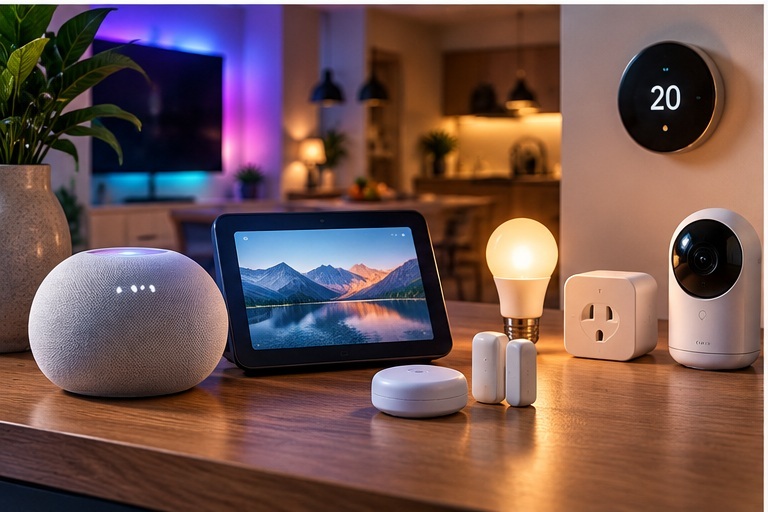
Google Home emphasises simple control through the Home app, phones, speakers and displays. It makes sense if Google/Nest and Google Assistant already feature in your home. Automations can use starters, conditions and actions. Compatible Matter commands from within the home run locally over Wi-Fi or Thread; a suitable Google hub is needed for Thread. Matter multi-admin can share compatible devices with other ecosystems.
Non-Matter devices may route through Google and the manufacturer’s cloud. Some automations depend on internet, Wi-Fi or third parties; not every device feature is available; and free-form system logic is more limited than in Home Assistant or Homey. Choose Google Home mainly for convenience, voice control and fast setup.
5. Apple Home: a calm Apple experience
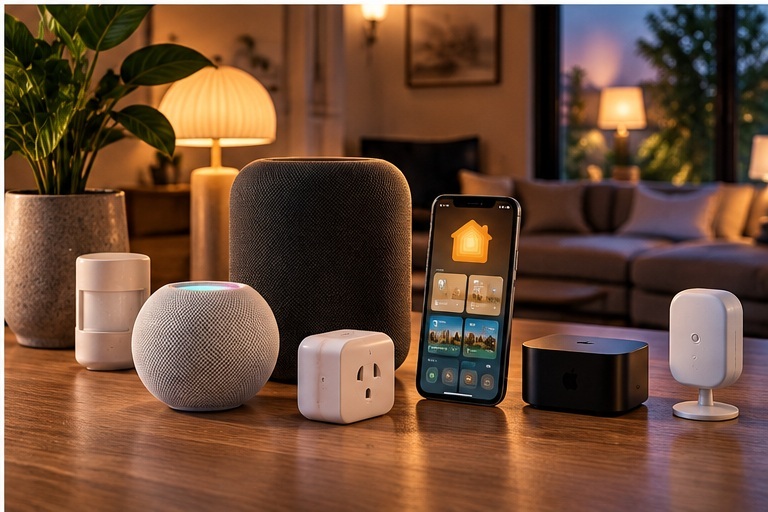
The Home app works with HomeKit and Matter accessories. Automations can respond to time, location, sensors and device status. HomePod or Apple TV can act as a home hub for remote control. Compatible Thread home hubs include HomePod mini, HomePod 2 and certain Apple TV 4K models. Apple states that Home data is stored so that Apple cannot read it and that communication is end-to-end encrypted.
Apple Home feels most natural in a household that already uses iPhone, Apple Watch, HomePod or Apple TV. Its automation logic is less deep than that of specialist platforms. Not every device supports HomeKit or Matter fully; some accessories still require a manufacturer account or cloud. It suits those who want consistent, simple and privacy-focused control.
6. How do automations differ?
All four can run everyday routines. Home Assistant goes furthest with triggers, conditions, helpers, scripts and templates: for example, increasing ventilation based on CO₂, occupancy and outdoor temperature. Homey offers Flow and Advanced Flow with logic and variables, such as a dryer-finished notification that accounts for occupancy. Google Home can turn on lights at sunset when somebody is home. Apple Home can switch on a hallway light when motion is detected in the evening.
The more exceptions, sensors and combinations you want, the more attractive a specialist automation platform becomes. For simple daily routines, less complexity may be an advantage.
7. Local control, cloud and privacy
Cloud is not automatically bad, and local is not automatically trouble-free. Ask where logic runs, where data is processed and what keeps working without internet.
- Home Assistant: Core, local automations and local protocols can run at home. Cloud-only devices and optional remote or voice services still use internet.
- Homey Pro: Apps, Flows and local devices can run on the hub; external services and cloud-dependent integrations remain online-dependent.
- Google Home: Matter commands can run locally in the home over Wi-Fi/Thread; non-Matter devices, remote control and manufacturer services may need internet.
- Apple Home: the Home app, accessories and home hub can work together locally; remote control and accessory-specific manufacturer services may use internet.
8. You can combine platforms
You do not always have to pick one winner. Home Assistant can be the automation layer for sensors, lighting, energy and heating while family members control selected devices through Apple Home or Google Home. HomeKit Bridge shares Home Assistant devices with Apple Home. The Google Assistant integration can connect Home Assistant devices to Google; Home Assistant Cloud makes that connection easier. Complex rules stay in Home Assistant, while everyday control stays in a familiar app.
Matter multi-admin can make a compatible device available in, for example, Google Home and Apple Home at the same time. That reduces brand lock-in but does not synchronise your dashboards or automations across platforms.
9. Which choice fits you?
- I mainly want something simple: start with Google Home or Apple Home, depending on the phones and speakers you already use.
- I want many protocols without a server hobby: compare the Homey Pro variants and their capabilities.
- I want maximum control and local expansion: Home Assistant is the most flexible if you are willing to manage it.
- My family wants simplicity, but I want complex rules: combine Home Assistant or Homey as an automation layer with Apple Home or Google Home for control.
- I mainly have Matter devices: focus on the app, automations, privacy, voice control and hub hardware you already own.
10. Look beyond the logo
Which phones, speakers and TV boxes are already in the house? Must it keep working during an internet outage? Do you need Zigbee, Z-Wave, 433 MHz or Thread? How much hardware, update and backup management do you enjoy? Can everybody in the household use it without instructions? Those answers matter more than a long specification list.
The supplied comparison was updated through 1 October 2026. Product features, prices and supported devices can change; check current documentation for the specific platform and device before buying.