
A good smart home takes care of small tasks without constantly demanding attention. You do not need to program. An automation follows a simple pattern: IF something happens, optionally CHECK a condition, THEN perform an action. For example: if motion is detected and it is dark, turn on the light.
This guide is for beginners who want to see what automation adds to daily life. The examples use Home Assistant, but the ideas also apply to other smart-home platforms. Most simple Home Assistant rules can be built from menus. Do not attempt all ten at once: choose one that you will notice, make it reliable and only then expand.
You usually need Home Assistant or another central system, a sensor that can measure something and a light, plug, thermostat or other device the system can control. Start with one rule, test it for a few days and only then add another.
Most automations have three parts: a trigger (something happens), an optional condition (only if this is true) and an action (do this automatically). Apart from the central system and devices, you mainly need patience to test the first rule. Not every rule needs all three parts.
1. Light on with motion
Use a motion sensor and smart light or switch. IF motion is detected and it is dark enough, THEN turn on the light. Turn it off after a few minutes without motion. Avoid an overly short delay; five minutes in a hallway can be more comfortable than one.
This is a good first test in a hallway, toilet or utility room. You no longer search for a switch in the dark, and lights are less likely to remain on unnecessarily. The sensor supplies the trigger and the darkness condition prevents daytime switching. Test the off-delay in real use: someone sitting still should not suddenly be left in darkness.
2. Lower heating when away
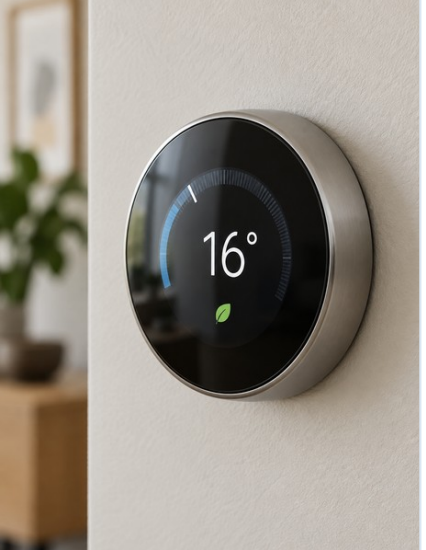
A smart thermostat can lower the temperature a little when everybody leaves and raise it when they return. Reliable presence detection matters. With underfloor heating or a heat pump, small temperature changes are often preferable because these systems respond slowly.
Needed: a controllable thermostat or climate system and a reliable way of detecting presence. Rule: if nobody is home, lower the setpoint modestly; return to comfort when someone arrives or shortly before. This avoids forgetting the heating while an empty house is warm. With slow systems, avoid large setbacks: recovery time and comfort matter more than an aggressive schedule.
3. Alert when a door or window stays open
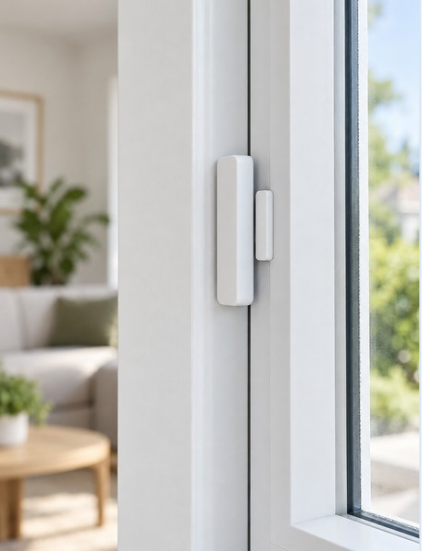
A door/window sensor can send a phone notification after, for example, ten minutes. Start with an alert only, perhaps only when the heating is active. You can always add automatic heating changes later.
Needed: a door or window sensor and phone notifications. Rule: if a window remains open for ten minutes, send an alert; optionally require the heating to be active. You find out before heating a room unnecessarily or leaving a door open all evening. A notification is a safe first step because it does not alter the climate system.
4. Turn off non-essential devices
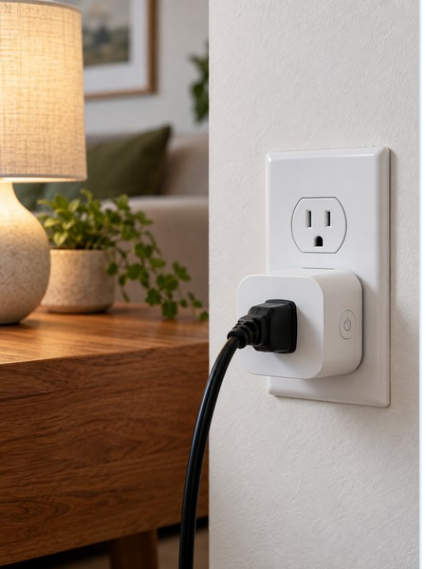
A suitable smart plug can switch off a printer or entertainment device during quiet hours or after prolonged low consumption. Check the plug’s power rating. Never casually turn off a refrigerator, router, alarm, care device or safety equipment.
A TV area, game console, printer or chargers may not need to remain powered all day. Needed: a smart plug rated for the connected load, optionally with energy monitoring. Rule: switch off late at night or after a sustained period of almost no power draw. This can reduce standby use and save manual unplugging. Before doing so, check both the rated load and whether the appliance needs to shut down normally.
5. Get a laundry or dishwasher-finished alert
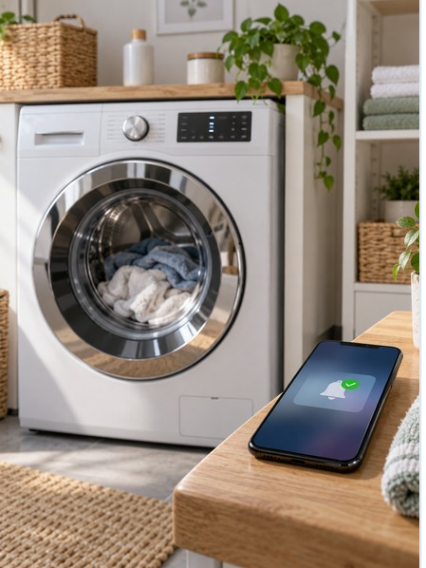
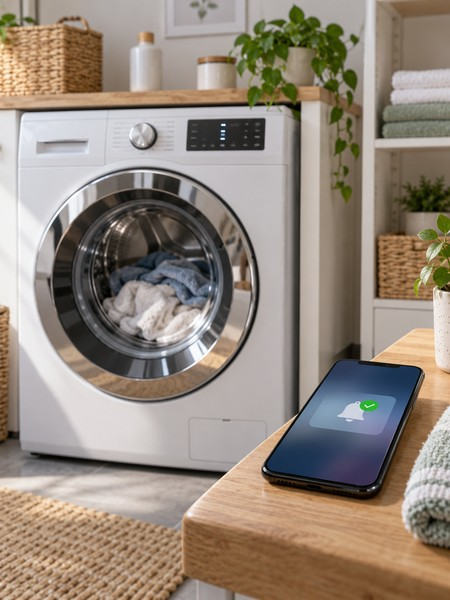
An energy-monitoring smart plug or the appliance’s own status can detect that a programme was active and then drew almost no power for a while. Send a notification. The plug must be rated for the machine; leave it switched on for this notification use case.
Needed: a properly rated plug with energy monitoring, or an appliance reporting its own finished state. Rule: only if power draw was clearly high first and remains low for a configured period, alert 'The laundry is done'. The first condition prevents alerts for a machine that never started. It is simple but useful: you need not keep checking the appliance. Use the plug here as a meter, not to cut power during a cycle.
6. Outdoor lights at sunset
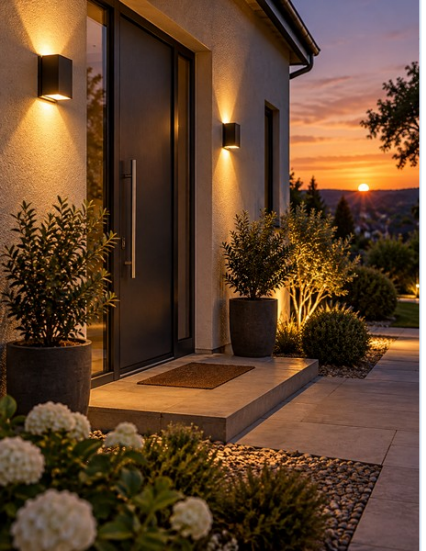
Switch outdoor lights on at sunset and off later at a set time or when nobody is home. Sunset changes with the seasons, so you no longer need to adjust a timer.
Needed: smart outdoor lights or a suitable switch. Rule: turn on at sunset and off, for example, at 23:30 or earlier when nobody is home. In December the light turns on earlier than in June without seasonal timer changes. Sunset is therefore usually a better trigger than a single clock time.

7. Shade rooms when sunny and warm
If sun hits a window and the indoor temperature is high enough, blinds can partly close. Smart curtains, shutters or shades and a temperature sensor help. For external shades, wind protection and manual control always come first.
Needed: controllable shades and preferably an indoor temperature sensor. Rule: partly close only when the sun hits the window and the room is sufficiently warm. This can act before the room becomes unpleasant and may reduce demand for active cooling. External shades must still obey wind protection, and occupants need a manual override.
8. Boost ventilation while showering
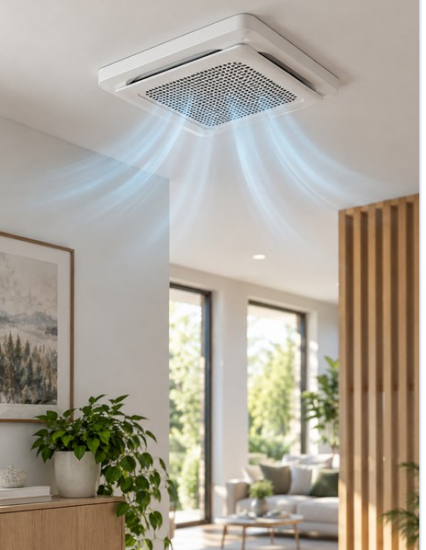
A humidity sensor can detect a rapid rise. Temporarily increase ventilation and return it to normal afterwards. Do not switch off basic ventilation completely; a safe minimum level is still needed.
Needed: a humidity sensor and adjustable ventilation. Rule: boost when humidity rises markedly; return to normal after it falls again. Shower moisture is removed more quickly without running at the highest level all day. Returning to normal baseline ventilation does not mean turning the system off.
9. Welcome home
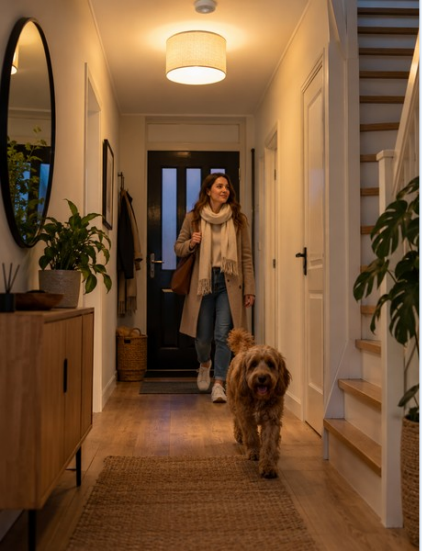
When you arrive, the hallway light can turn on if it is dark and the thermostat can return to a comfortable setting. A phone or other presence detector provides the trigger. Keep it subtle: one or two useful actions are often better than an elaborate scene every time.
Needed: reliable presence information, perhaps from a phone, and the devices you want to control. Rule: after an absence, if you arrive and it is dark, turn on the hall and living-room lights; optionally restore comfort temperature. You need not open an app or press a button. Music or mood lighting is possible, but not necessary for this automation to be useful.
10. Good night or away mode
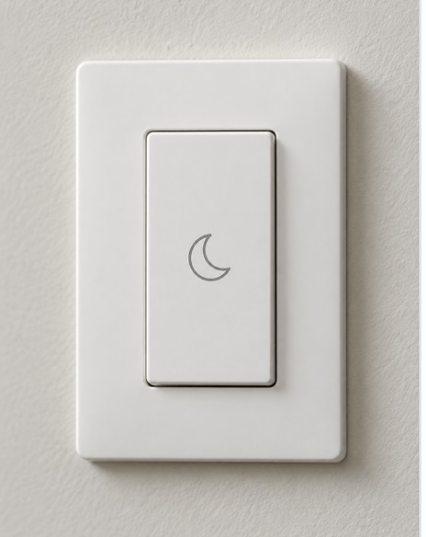
One physical button or dashboard action can turn off lights, lower heating a little and switch off non-essential devices. Optionally check for open doors. Smoke alarms, network equipment, the refrigerator and other essential devices stay on.
Needed: a dashboard button, physical switch, or reliable time/presence trigger. Rule: activating 'Good night' turns off selected lights, lowers heating moderately and switches off non-essential plugs. It may also warn about doors left open. You forget less and need not walk around the house. An away-mode variant can work similarly, but safety systems and essential infrastructure always remain powered.
Which three should you try first?
Try motion-based lighting for immediate feedback, a laundry-finished alert to learn energy monitoring and a good-night button to combine small actions. Keep ordinary switches usable, give rules clear names and provide a simple manual override. An automation works well when you barely notice it.
These first three are relatively low risk and give visible results quickly: hallway lighting teaches the IF–THEN rule, the laundry alert shows how Home Assistant can infer a state from energy data, and a good-night button combines devices without complex sensors. The best automation is not the most technical one, but the one that makes you wonder after a week why you used to do the task manually.
Five rules prevent frustration: preserve ordinary switches for household members and visitors; do not automate everything at once; provide a manual escape via button, switch or dashboard; never switch off essential or safety equipment to save a few watts; and name rules clearly, such as 'Hall light on motion' instead of 'Automation 17'.